Retopology and Polygon Budgets: Making Models a Game Can Afford
A sculpture of millions of polygons cannot enter a game as it is, and retopology is the patient rebuilding of its surface into a lean mesh that keeps the silhouette and borrows the rest.
Modern character and prop artists rarely begin with the mesh that ends up in a game. They begin with clay, or rather its digital equivalent, pushing and pulling a surface in a sculpting program until the stones of a wall have chipped edges, the leather of a boot has creases and the face of an old soldier carries every wrinkle of a hard life. Such a sculpture may contain millions of polygons, distributed with no regard for anything but the shape, and it is entirely unsuited to a real time engine.
Between the sculpture and the game lies a stage of work that is less celebrated and no less skilled: retopology, the construction of a new, efficient surface over the old one. The new mesh follows the sculpture's form with a small fraction of its polygons, arranged so that it bends correctly when animated, shades smoothly under light and costs little to draw. The fine detail is not discarded; it is transferred into textures, chiefly the normal map, so that the lean mesh borrows the appearance of the dense one.
The questions that govern this stage are partly technical and partly a matter of judgement. How should the new edges be laid out? How many polygons can the model afford? Which details deserve geometry and which can live in a texture? Answering them well is what separates a model that looks rich on screen from one that is merely heavy.
From sculpture to game mesh
Sculpting tools work best with dense, uniform meshes, or with dynamic tessellation that adds polygons wherever the brush demands more. The result has a topology, an arrangement of vertices, edges and faces, that is convenient for sculpting and hopeless for almost everything else. Its triangles are numerous and arbitrarily oriented; it cannot be cleanly unwrapped for textures; it deforms poorly when rigged; and its vertex count would be prohibitive in a scene containing dozens of such objects.
Retopology produces a second mesh that traces the first. In practice the artist works directly on the surface of the sculpture, placing vertices that snap to it and connecting them into quads that follow its forms. Dedicated tools in Blender, Maya, 3ds Max, ZBrush and specialised programs assist with snapping, relaxing and drawing strips of polygons, and automatic retopology can provide a starting point, though for anything that must animate well, hand work or careful correction usually remains necessary.
The new mesh has to satisfy several masters at once. It must match the sculpture's volume closely, so that the baked detail lines up; it must be laid out so that it can be unwrapped into UV coordinates with little distortion; and it must deform properly if it will be skinned to a skeleton. A static rock asks little of the last requirement, while a face asks almost everything, and the effort spent on retopology tends to follow that difference.
Edge flow and deformation
Edge flow describes how the lines of a mesh run across its surface, and for animated models it is the decisive concern. Wherever a body bends, at the elbow, the knee, the shoulder, the fingers, the mesh needs edges arranged around the axis of the bend, so that the surface can fold rather than collapse. Too few loops at a joint and the limb pinches into a thin, rubbery tube when it flexes; loops placed with no regard to the bend produce creases in the wrong places.
The face shows edge flow at its most demanding. Concentric edge loops ring the eyes and the mouth, following the muscles that open and close them, and lines descend from the nose to the corners of the lips along the folds that appear when a person smiles. These loops exist so that a blend shape or facial bone can move the surface naturally. A face retopologised as a uniform grid may look correct at rest and become grotesque the moment it speaks.
Quads dominate retopology for practical reasons. Loops of quads can be selected, slid and subdivided predictably, and they deform evenly. The GPU itself draws triangles, and every quad is split into two on export or import, so the preference for quads is about authoring and deformation rather than rendering. Triangles are acceptable on flat, static areas; poles, where five or more edges meet, are placed deliberately where they cause least harm to shading and motion.
Baking the detail
Once the low poly mesh exists and has UVs, the detail of the sculpture is transferred to it by baking. For each texel of the low poly texture, the baker casts a ray from the low poly surface toward the high poly surface, finds where it strikes, and records information about the high poly surface at that point. The most important result is the normal map, which stores the direction the high poly surface faces, so that lighting on the low poly mesh behaves as if the detail were really there.
Most game normal maps are stored in tangent space, a coordinate frame defined at each point by the surface normal and two tangent directions derived from the UVs. Because the directions are relative to the surface, a tangent space map remains valid when the mesh deforms or is reused on mirrored geometry. It also demands consistency: the baker and the engine must compute tangents the same way, and Unity uses the MikkTSpace convention by default, which most modern bakers can match.
Ray casting raises the question of how far to search. A cage, an inflated copy of the low poly mesh, defines where rays begin and how far they travel, and adjusting it avoids the classic artefacts: missed detail where rays stop short, and projection errors where they hit the wrong part of the sculpture, such as a finger catching the detail of its neighbour. Separating overlapping parts, a technique known as exploding the mesh before baking, avoids many such collisions.
Normal maps are not the only bake. Ambient occlusion records how sheltered each point is, darkening crevices; curvature maps mark convex edges and concave folds, useful for wear and dirt in texturing; thickness, position and material ID maps assist texturing tools. All of these come from the same principle of interrogating the high poly surface from the low poly one, and together they let a modest mesh carry the visual history of the sculpture.
Polygon budgets
The number of polygons a game model should have has no universal answer, and figures quoted as industry standards should be treated with suspicion, because the right number depends on the target platform, the number of such objects visible at once, the distance at which they will be seen and how much else the frame must do. A hero character examined in close up cutscenes on a powerful console and a background villager in a crowd on a phone live under entirely different constraints.
Screen size is the most useful guide. A model that will never occupy more than a small corner of the screen gains nothing from geometric detail that resolves to less than a pixel, as the discussion of level of detail makes plain. Conversely, an object the player inspects closely, or one whose outline fills the screen, earns its polygons. Many teams set budgets per category, such as main characters, secondary characters, large props and small props, and adjust them after profiling the actual game.
The budget is also not only a count of triangles. Vertex count matters more directly to the GPU, and every hard edge, UV seam and material boundary splits vertices, since a vertex can have only one normal and one UV per mesh. A model with few triangles but many seams may carry more vertices than its triangle count suggests. Unity's mesh statistics and the Rendering Statistics window report the figures that actually reach the hardware.
Silhouette before surface
When polygons are scarce, they should be spent first on the silhouette. The outline of an object is the one thing a normal map cannot fake: lighting can suggest bumps and grooves across a surface, but where the surface meets the background, the true geometry is exposed. A barrel with a perfectly round normal mapped surface still betrays its octagonal edge against the sky, while interior detail of the same scale disappears convincingly into the texture.
This principle guides the whole retopology. Curves that define the outline from common viewing angles receive enough segments to read as smooth; flat interior regions are covered with as few polygons as deformation and shading allow; small protrusions such as rivets and buckles become baked detail unless they break the outline in a noticeable way. The artist keeps rotating the model and looking at it in shadow and against bright backgrounds, because that is where shortcomings show.
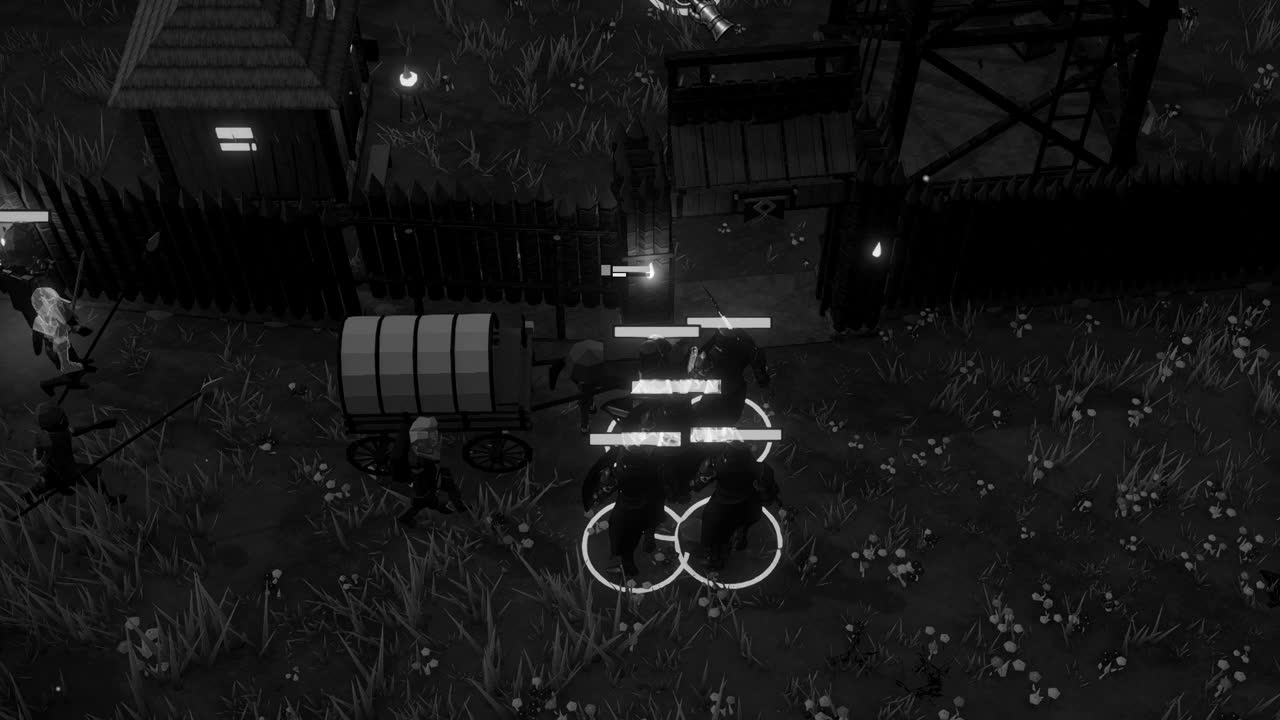
Camera and art direction shape the judgement. A strategy game seen from a raised camera, the usual arrangement for building a settlement, presents roofs, shoulders and the tops of objects more often than their profiles, which changes where the outline lives. A first person game reverses this. Retopologising for the camera the player actually uses, rather than for an imagined close up, often yields the most economical result.
The model inside the engine
A retopologised and baked model must still be checked where it will live. On import, Unity's model settings control whether normals and tangents are imported or calculated, and mismatches here are the usual source of visible seams in normal mapped models. The Normal Map texture type must be set on the baked map so that Unity interprets and compresses it correctly. A quick look under a moving light reveals most errors within seconds.
The low poly mesh is also the natural foundation for level of detail. Its reduced versions can be produced by further simplification or by hand, and because the normal map already carries the fine detail, simpler levels can share it and remain convincing at distance. A mesh with clean, deliberate topology simplifies far more gracefully than a messy one, which is another quiet reward for the care spent at the retopology stage.
There is something almost monastic in this work, the slow tracing of a lavish form with a sparse lattice, one vertex at a time, so that a machine may carry it lightly. The sculpture's millions of polygons never leave the artist's hard drive; what reaches the player is an economical shell and a few textures that remember the original. Done well, the substitution goes unnoticed, and the old soldier's face looks every bit as worn as the day it was carved.