Normal Maps: Painting Detail with Light
A normal map changes no geometry at all. It lies to the lighting, pixel by pixel, about which way the surface faces, and that single deception lets a few hundred triangles pass for a carved and battered object.
Anyone who has opened the texture folder of a modern game will have noticed among the ordinary images a set of strange ones, washed in a pale lilac blue, with every crack and rivet of the model faintly embossed in pink and green. They look like mistakes, or like photographs taken through a tinted glass. They are among the most useful images in real time graphics, and the curious color is not decoration but data, a compact record of directions that the renderer reads as instructions about light.
These are normal maps. Their job is to make a surface look far more detailed than its geometry really is, by telling the lighting calculation, separately for every pixel, which way that tiny patch of surface faces. A flat plank becomes grained and knotted, a smooth stone wall becomes rough with mortar lines, a plain helmet acquires dents and scratches, and the triangle count stays exactly where it was. The deception is old by the standards of graphics, but it remains astonishingly effective.
To understand why it works, and where it fails, one has to begin with the humble role of the normal in lighting, then follow how directions can be stored as colors, how the maps are made from sculpted originals, where the illusion finally gives itself away, and which small conventions cause otherwise perfect maps to go quietly wrong.
Light and the direction of a surface
Most lighting models start from a simple principle. A surface that faces a light directly receives its full strength; a surface tilted away receives less; a surface facing away receives none. The quantity that measures this facing is the angle between the surface normal, a unit vector pointing straight out of the surface, and the direction toward the light. The dot product of those two vectors, clamped at zero, gives the diffuse brightness, and specular highlights depend on the normal just as heavily.
In an ordinary mesh, normals are stored per vertex and interpolated across each triangle. This is enough to make a low polygon cylinder look round, but it cannot invent detail smaller than a triangle. A wall built from two triangles has, at best, a gently varying normal across its whole face, and under a raking light it looks as flat as painted cardboard. The bricks may be drawn in the color texture, but they cast no shading of their own, and the illusion collapses whenever the light moves.
The insight behind normal mapping is that the lighting calculation does not care where the normal came from. If, instead of the interpolated vertex normal, the shader uses a normal read from a texture at each pixel, then every pixel can respond to light as though it belonged to a surface tilted in its own direction. Mortar lines can face slightly up and down, the faces of bricks can catch the light, and the wall acquires relief that responds correctly as a torch is carried past it.
Directions stored as colors
A normal is a vector with three components, X, Y and Z, each between minus one and one because the vector has unit length. A texture pixel has three color channels, red, green and blue, each storing a value between zero and one. The encoding maps one onto the other by a simple affine transformation: each component is multiplied by one half and then has one half added. Minus one becomes zero, zero becomes one half, and one becomes one. Red stores X, green stores Y and blue stores Z.
This explains the color. In tangent space, discussed below, a normal pointing straight out of the surface, perpendicular to it, is the vector with X and Y equal to zero and Z equal to one. Encoded, it becomes red one half, green one half and blue one, which in an eight bit image is about 128, 128 and 255: a soft periwinkle blue. Since most of any surface faces roughly outward, most of a normal map sits near that color, and only the slopes of the detail tint it toward red, green or their opposites.
Unity expects normal maps to be marked as such in the texture import settings, by setting the Texture Type to Normal map. This matters because the importer then treats the data as directions rather than colors, avoids applying color space conversion, and on many platforms compresses it in a format that keeps only the X and Y components at higher precision, reconstructing Z in the shader from the fact that the vector has unit length. Shaders read the result through functions such as UnpackNormal.
Why tangent space
A direction is only meaningful relative to some set of axes, and the choice of axes is what distinguishes the common kinds of normal map. An object space map stores normals relative to the model as a whole, so a pixel's color says which way it points within the object. Such maps are simple, but they bind the texture to one particular mesh and break when the mesh deforms, since a bent arm changes which way its surface faces while the stored directions stay fixed.
Tangent space maps store normals relative to the surface itself. At each point the mesh supplies three axes: the normal, pointing out; the tangent, running along the direction in which the texture's horizontal coordinate increases; and the bitangent, perpendicular to both. In this local frame, Z always means outward from the surface, which is why flat areas are always that same pale blue regardless of how the model is oriented. The shader transforms the sampled vector from tangent space into world space before lighting.
Because the stored directions are relative, a tangent space map survives animation, can be tiled across large surfaces, and can be reused on different meshes. Its correctness, however, depends on the tangents matching those used when the map was created. Unity computes tangents on import using a widely adopted standard called MikkTSpace, and baking tools that use the same basis produce maps that light correctly; mismatched bases leave faint seams and shading errors along UV seams.
Baking the detail down
Normal maps for organic and carved objects are rarely painted by hand. They are baked. The artist builds two versions of a model: a high poly version with millions of polygons, sculpted with every wrinkle, chip and stitch, and a low poly version with only enough geometry to hold the shape, carrying clean UV coordinates. A baking tool then transfers the high detail into a texture laid out over the low model's UVs.
The usual technique casts rays outward from each texel's position on the low poly surface, often within a slightly inflated copy of the mesh called a cage, until they strike the high poly surface. The normal of the high poly surface at that point is recorded, converted into the low poly model's tangent space and written as a color. A badly fitted cage produces familiar artifacts: rays that miss the high model, or strike the wrong part of it, leave smeared or distorted patches.
Baking also fixes the limits of the method in place. The detail captured is only orientation, not position, so a deep groove appears as a change in shading rather than as a real recess. The low poly model's own geometry determines everything else, and its hard edges must agree with its UV seams or the bake will show gradients and lines where the low poly normals bend sharply. Good bakes are as much a matter of preparing the low model as of sculpting the high one.
Where the trick ends
Since a normal map alters only the lighting of pixels already drawn, it cannot change which pixels are drawn. The silhouette of the object, its outline against the background, is decided by the actual triangles. A boulder whose surface is covered with deep, convincing cracks in its normal map will still show a perfectly smooth outline where its edge meets the sky. This is the most common giveaway of normal mapping, and the reason artists put real geometry into the profile of an object while leaving interior detail to the map.
The illusion also weakens at grazing angles. Viewed nearly edge on, a normal mapped wall shows its relief compressed into a sheet, because nothing in the method makes raised areas hide those behind them. Detail that would cast shadows on itself casts none, unless other techniques, such as ambient occlusion maps, add those darkened crevices. For shallow detail like grain, scratches and small rivets the lie is almost undetectable; for deep forms it is better replaced by geometry.
There is also a convention trap. Programs disagree about whether the green channel should point up or down in texture space. The style called OpenGL treats green as Y positive, pointing up the texture; the DirectX style flips it. Unity uses the OpenGL convention, while Unreal Engine uses the DirectX convention. A map baked for the wrong one looks lit from below, bumps reading as dents, and the cure is simply to invert the green channel, which many baking tools offer as an export setting.
Height maps and their relatives
A close cousin is the height map, a grayscale image in which brightness represents elevation. It holds less information than a normal map, one channel instead of directions, but it is easier to paint by hand and to understand. Normals can be derived from a height map by measuring how quickly the height changes between neighbouring pixels, and Unity's texture importer offers exactly this: setting a grayscale texture to Normal map and enabling Create from Grayscale produces a normal map from it.
Height maps also serve purposes normal maps cannot. Parallax mapping uses the height to shift texture coordinates according to the viewing angle, so that raised parts appear to stand in front of lower ones, and Unity's Standard shader accepts a height map for this effect. Displacement with tessellation goes further, actually moving vertices according to the height, which changes the silhouette at a real geometric cost. Each technique buys more truth with more computation, and the choice depends on how closely the surface will be seen.
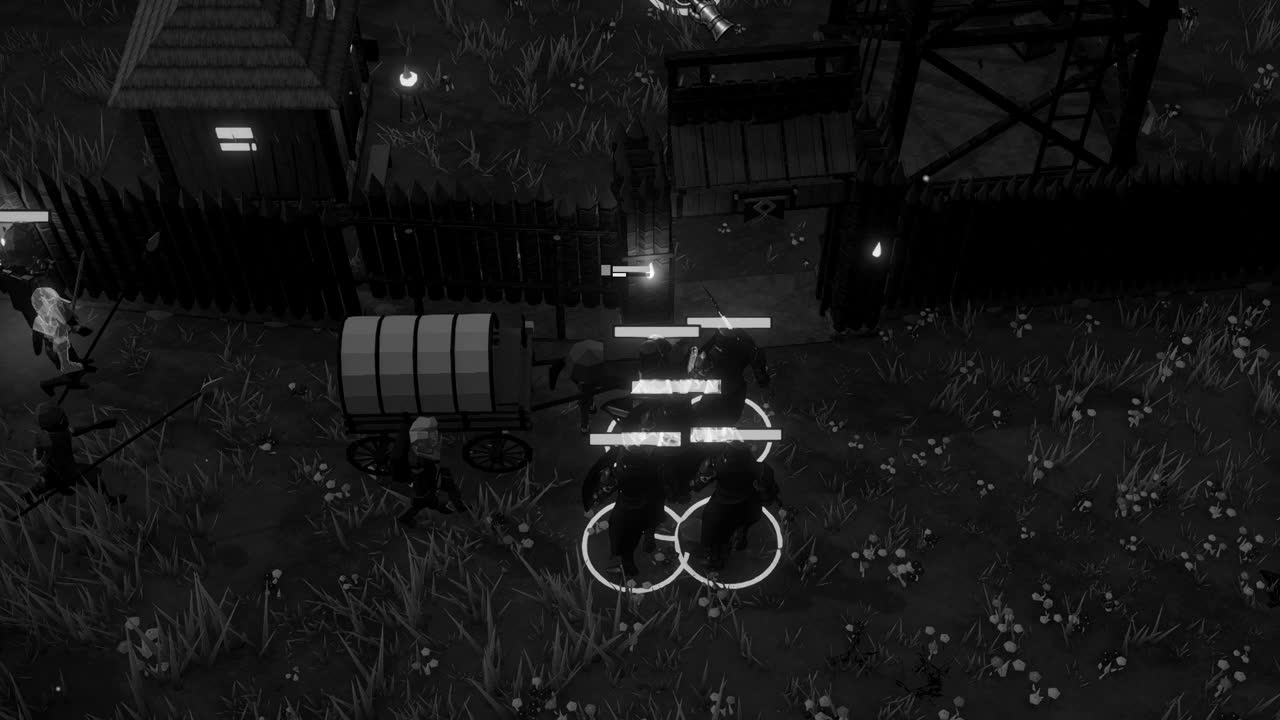
In a scene lit mostly by moving fire, like the torchlit nights of Crown & Ashes, normal maps earn their keep, because a low, flickering light source is exactly the kind that reveals relief. Every crack in a timber post and every seam in a stone footing comes alive as the flame sways, and none of it costs a single extra triangle. It is a fitting kind of sleight of hand for a medium built from flat surfaces: detail that exists only in the conversation between a texture and a light.