Raycasting: Asking the World a Question Along a Line
A raycast is the simplest question a game can put to its physics world: walking outward along a straight line, what is the first thing I touch? Nearly every act of aiming, picking and seeing is built on that question.
There is a moment in almost every game when the program must find out what lies in a certain direction, and it cannot simply look, because it has no eyes. A player clicks on the ground and expects a unit to walk there; a guard turns his head and must decide whether he can see the intruder crouched behind a barrel; a rifle fires and something, somewhere, ought to be struck. In each case the engine is asked a geometric question, and in each case the answer comes from the same small instrument, the raycast.
The idea is old, far older than games. A ray is a line that begins at a point and runs outward in one direction, and to cast it is to travel along that line through the scene until it meets a surface. Painters used strings stretched from the eye to the canvas to study perspective; renderers trace millions of rays per frame to compute light. In Unity the physics engine offers the same operation as a query against colliders, and it returns not merely a yes or a no but a small dossier about whatever it found.
What follows is an attempt to describe that query honestly: what it asks, what it answers, how it can be narrowed, widened and pointed from a screen, and where its literal mindedness will betray the careless programmer. Raycasting rewards the person who understands its few rules and punishes, often silently, the person who assumes it thinks as a human does.
The shape of the question
The central call is Physics.Raycast. In its fullest common form it takes an origin, a direction, an out parameter of type RaycastHit, a maximum distance, a layer mask and a setting for whether trigger colliders count. It returns a boolean: true if the ray struck any collider within the distance, false otherwise. That boolean is the yes or no; the RaycastHit, filled in only when the answer is yes, is the dossier. The direction should be normalized, and the maximum distance is measured in world units along it.
It matters to understand what the query is actually searching. A raycast does not inspect meshes, renderers or sprites; it inspects colliders registered with the physics scene. An object that draws beautifully but carries no Collider component is invisible to it, as transparent as air, while an invisible trigger volume may block it entirely. Many hours of confused debugging begin with someone clicking furiously on a visible model whose collider was never added, or was added to a child object that sits somewhere else.
There is a further subtlety that surprises almost everyone the first time. A ray that begins inside a collider will not report that collider, because the physics engine looks for the point where the line enters a surface, and a line that starts within the volume never enters it. A weapon whose origin sits inside the player's own capsule will therefore ignore that capsule, which is often convenient, but a ray cast from the centre of a wall to find the wall will find nothing, and the programmer will wonder why the world has gone empty.
Reading the RaycastHit
When the ray strikes something, the RaycastHit structure describes the encounter. Its point field gives the exact position in world space where the line met the surface. Its normal field gives the surface normal there, a unit vector pointing outward from the face that was struck. Its distance field gives how far along the ray the impact lay, and its collider field names the Collider that was hit, from which the transform, the GameObject and any attached Rigidbody can be reached in a step or two.
Each of these fields has its natural uses. The point is where a bullet hole decal should be placed, or where a builder's ghost preview of a wall should snap to the ground. The normal tells the decal which way to face, tells a ricochet which way to bounce through Vector3.Reflect, and tells a character controller whether the ground beneath it is a gentle slope or a cliff, by comparing the normal with the world's up direction. A dot product near one means level ground; a value near zero means a vertical face.
Distance is the quiet field, and it is more useful than it first appears. A grounding check can compare it against a tolerance to decide whether a character is standing, hovering a hand's breadth above a step, or genuinely airborne. A laser sight can shorten its beam to the exact length of the hit. A camera rig that must avoid clipping into walls can cast from the character toward the desired camera position and, if something is struck, pull the camera in to the hit distance minus a small margin, so that the lens never pushes through the masonry.
Choosing what the ray may see
A ray that can hit everything is rarely what a game wants. The click that should select a unit will otherwise strike the decorative fog volume floating above it; the enemy's sight line will be blocked by the very enemy's own collider, or by a pickup lying on the floor. The remedy is the layer mask, an integer in which each of thirty two bits stands for one physics layer. Only colliders on layers whose bits are set are considered; everything else is passed through as though it did not exist.
In practice the mask is usually built with LayerMask.GetMask, which takes layer names and returns the combined integer, or exposed as a public LayerMask field so a designer can tick checkboxes in the Inspector. If no mask is supplied, Unity uses Physics.DefaultRaycastLayers, which includes every layer except the one named Ignore Raycast. That built in layer exists precisely for objects that must have colliders, for physics or triggers, but should never intercept a query, such as a large invisible zone around a campfire.
Trigger colliders deserve their own attention. Whether queries hit them is governed by a project setting, Queries Hit Triggers, and can be overridden per call with the QueryTriggerInteraction argument, whose values are UseGlobal, Ignore and Collide. A game full of trigger volumes for audio zones, quest areas and spawn regions will find its raycasts snagging on them constantly unless it chooses Ignore. Setting this deliberately, rather than trusting the default, removes an entire family of mysterious misses from the project.
Many hits, thick rays
Physics.Raycast stops at the first surface, which is what most questions want. Sometimes, though, the answer must include everything along the line: a piercing bolt that passes through three skeletons, or an x ray tool that lists every wall between two rooms. For that there is Physics.RaycastAll, which returns an array of RaycastHit for every collider crossed. The documentation does not promise any particular order, so code that needs the nearest first must sort the array by distance itself before acting on it.
RaycastAll allocates a fresh array on every call, and in a game that fires it many times per frame that garbage accumulates until the collector pauses the game to sweep it away. The alternative is Physics.RaycastNonAlloc, which writes results into an array the caller allocates once and reuses, returning the number of hits found. If the buffer is too small, the excess hits are silently dropped, so the size should be chosen with some thought about the worst case the game can produce.
A ray has no thickness, and this is sometimes its undoing. A thin line fired at a narrow fence post may slip between two pickets that a real projectile would have struck, and a ground check cast from a single point beneath a character will report a fall the moment that point hangs over a crack, though the feet are planted on either side. Physics.SphereCast answers this by performing a sweep: it moves a sphere of a given radius along the ray and reports the first collider the sphere would touch.
Its siblings, CapsuleCast and BoxCast, sweep other shapes, and the choice among them follows the shape of the thing being simulated. A capsule sweep matches a humanoid body and is the honest way to ask whether a character can fit through a doorway. One caution applies to all of them: like a ray, a sweep that begins already overlapping a collider will not report it, so a separate overlap test such as Physics.OverlapSphere is the right tool for asking what is touching a shape at rest.
From a screen to a world
Mouse picking is the most common raycast in strategy and building games, and it rests on a conversion that is easy to use and worth understanding. The cursor lives in screen space, measured in pixels from the corner of the window; the colliders live in world space. Camera.ScreenPointToRay takes a screen position, such as the mouse position, and returns a Ray whose origin lies on the camera's near clipping plane and whose direction points out through that pixel into the scene.
For a perspective camera, these rays fan outward from the eye like the ribs of an opened umbrella, so a click near the edge of the screen produces a ray angled sharply away from the centre. For an orthographic camera, every ray is parallel to the view direction and only the origin changes. In both cases the ray is then handed to Physics.Raycast with a mask that includes the ground and selectable units, and the hit point becomes the destination, the target or the place where a new building should rise.
Picking a point on terrain that may have no collider at a particular spot, or on an abstract ground plane, is better served by the Plane structure, whose Raycast method intersects a ray with an infinite mathematical plane and returns the distance to it. This avoids the physics engine altogether and is precise and cheap. A building placement tool might use the plane for the rough cursor position and then a physics raycast to settle the footprint on the true, uneven ground.
Seeing and being seen
Line of sight is the raycast's most dramatic employment, and the place where its literal nature is felt most keenly. The usual method casts a ray from the observer's eyes toward the target and asks whether the first thing hit is the target itself. If a wall, a crate or a closed door intervenes, the ray strikes that instead and the target is hidden. Combined with a check on angle, using the dot product of the observer's forward vector and the direction to the target, this gives a creature a cone of vision.
A single ray, though, is a very narrow eye. Cast to the centre of a target's chest, it will declare a man invisible when only his torso is behind a low wall and his head is in plain view, or visible when a gap between two planks happens to align with that one point. More convincing systems cast several rays, to the head, the chest and perhaps the feet, and treat the target as seen if enough of them arrive. The cost rises with each ray, so such checks are often spread across frames rather than repeated every update.
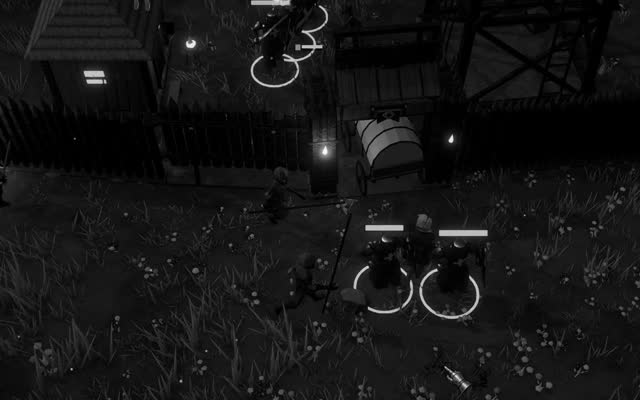
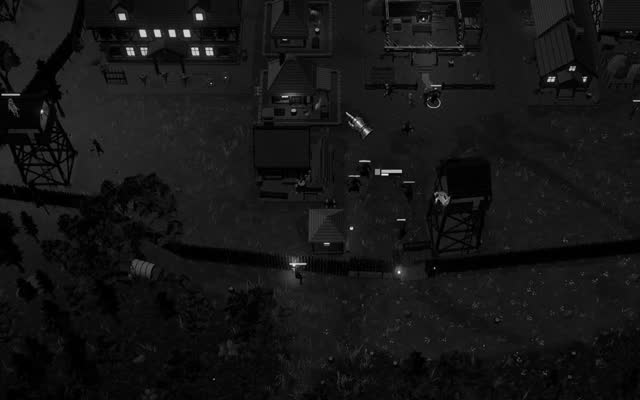
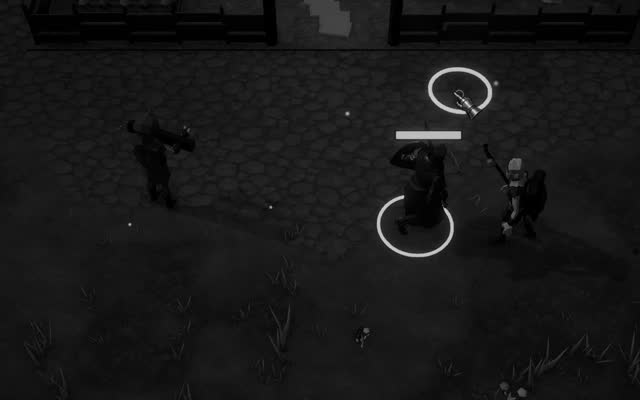
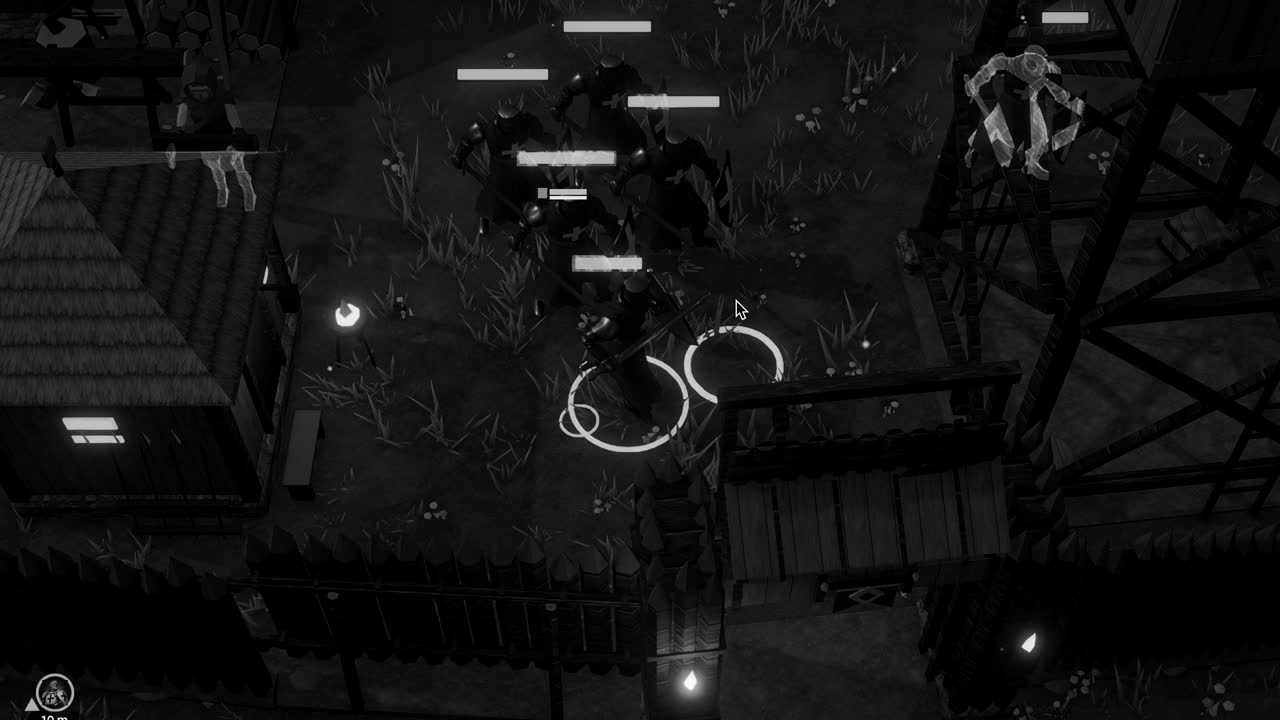
In a game played largely at night, such as Crown & Ashes, where the dead come out of the dark toward a torchlit settlement, the question of who sees whom carries real weight, and a sight check that ignores darkness, foliage and the soft edges of firelight will feel mechanical. The raycast supplies only geometry; everything else, the fear, the hesitation, the half glimpsed shape at the edge of the light, must be built on top of it by the designer who understands precisely what that thin line can and cannot know.