Frustum and Occlusion Culling: Not Drawing What Nobody Sees
The cheapest object to render is the one the engine never submits, and culling is the patient work of proving, before any pixel is shaded, that something cannot possibly be seen.
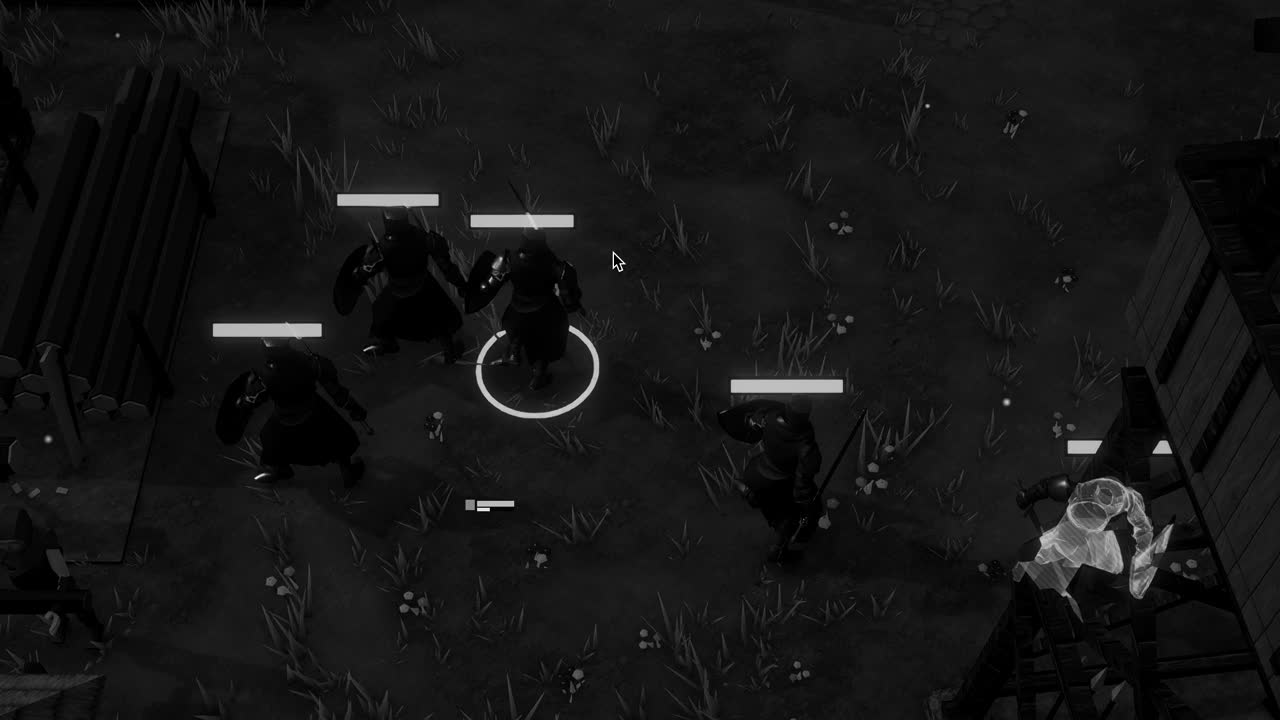
A game world is mostly hidden from the person playing it. At any instant the camera sees a narrow wedge of space, and within that wedge nearer things conceal farther ones: the wall of a house hides the room beyond, the room hides the street behind it, the street hides half the town. Yet the engine holds all of that geometry in memory, and unless it is told otherwise it would gladly prepare, submit and shade every piece of it, only to have the depth buffer discard the results one pixel at a time.
Culling is the general name for refusing that work in advance. Rather than drawing an object and letting the hardware reject its pixels, the engine asks a cheaper question first: could this object contribute anything at all to the image? If the answer is certainly no, the object is skipped entirely, saving its draw call, its vertex processing and its shading. The art lies in asking the question cheaply enough that the asking does not cost more than the drawing it avoids.
Two forms of culling matter most in Unity. Frustum culling removes what lies outside the camera's field of view, and it happens automatically. Occlusion culling removes what lies inside the field of view but behind something opaque, and it requires preparation, judgement and a willingness to accept its limits. The two are complementary, and understanding each tells a developer a great deal about why some scenes run well and others, built from the same assets, do not.
The shape of what the camera sees
A perspective camera sees a volume shaped like a pyramid with its tip cut off, called the view frustum. Its narrow end is the near clip plane, a short distance in front of the lens; its broad end is the far clip plane, beyond which nothing is drawn; four slanted planes form its sides, their angles set by the field of view and the aspect ratio of the screen. Everything the camera can render lies within these six planes, and everything outside them is, for that camera, irrelevant.
An orthographic camera, used for strategy views and two dimensional games, has a frustum that is simply a rectangular box, since its sides do not converge. The principle is unchanged. In both cases the frustum is recomputed whenever the camera moves or its parameters change, and it is the boundary against which every renderer in the scene must be tested before the frame can be assembled.
The far clip plane deserves more thought than it usually receives. Setting it very far away enlarges the frustum and admits more objects to be drawn, while also spreading the precision of the depth buffer across a greater range, which can cause flickering where distant surfaces nearly coincide. Pulling it in, and hiding the boundary with fog or atmosphere, is an old and honest trick, and Camera.layerCullDistances refines it by letting small objects on chosen layers disappear well before the far plane.
Frustum culling in practice
Unity performs frustum culling for every camera without any setup. Each renderer carries a bounding box, the axis aligned box that encloses its geometry in world space, and the engine tests that box against the frustum planes. If the box lies entirely outside any one plane, the object cannot be visible and is discarded. Testing a box against a plane takes only a handful of multiplications, so even thousands of renderers can be culled in a fraction of a millisecond, and Unity spreads the work across worker threads.
Because the test uses bounds rather than the real shape, it is conservative. An L shaped building whose box pokes into the frustum is drawn even if none of its actual walls are visible, and a skinned character whose bounds were computed in a resting pose may be culled wrongly when an animation stretches it beyond them. The Update When Offscreen option on a SkinnedMeshRenderer, or manually enlarged bounds, exists precisely to prevent that kind of mistaken disappearance.
Frustum culling also explains a practical rule about mesh construction. A single enormous mesh that spans the whole level will almost never be culled, because some corner of its bounds is nearly always in view, and so its entire geometry is processed every frame. Splitting large terrain or architecture into sensibly sized pieces lets frustum culling do its work, though pieces that are too small multiply draw calls. Between those two errors lies a compromise that each project must find by measurement.
Occlusion and the Umbra bake
Frustum culling knows nothing about walls. A camera standing in a narrow alley has a frustum that may extend across the entire town, and every house in that volume passes the test even though the alley's two walls conceal all of them. Occlusion culling is the attempt to recognise such concealment. Determining exactly what is hidden, from any position, in real time, is a hard geometric problem, and Unity's built in solution avoids most of that difficulty by doing the heavy work ahead of time.
The system is based on the Umbra middleware, and its data is produced by a bake in the Occlusion Culling window. During the bake, Unity voxelises the static geometry of the scene, divides the navigable space into cells and computes which regions can see which others through the gaps between solid objects. The result is stored as compact visibility data. At runtime, the camera determines which cell it occupies and queries that data to find which objects might be visible, skipping the rest before they reach the renderer.
The bake has a few parameters worth understanding. Smallest Occluder sets the size below which objects are not considered capable of hiding anything; Smallest Hole sets the size of the gap through which the camera is assumed to be able to see; Backface Threshold helps discard data for locations inside geometry, where the camera should never be. Smaller values give more precise culling at the cost of larger data and longer bakes, and the right settings depend on the scale of the world.
Occlusion culling also costs something at runtime: the visibility query consumes CPU time every frame for every camera that has its Occlusion Culling option enabled. In a scene where little is ever hidden, that cost buys nothing. The Occlusion Culling window includes a visualisation mode that shows, from the Scene view camera, exactly which objects the system considers visible, and it is wise to use it rather than trust that the bake is behaving as hoped.
Occluders, occludees and dynamic objects
Unity divides objects into two roles through the Static flags in the Inspector. Occluder Static marks an object as capable of hiding others; it should be applied to large, solid, opaque geometry such as walls, cliffs and buildings. Occludee Static marks an object as capable of being hidden. Many objects are both, but the distinction matters: a small barrel should be an occludee but not an occluder, since it hides almost nothing and only enlarges the bake, while a transparent window must never be an occluder at all.
Only static geometry contributes to the bake, which raises the question of moving things. Dynamic objects cannot act as occluders in this system, because the visibility data was computed with the world frozen; a cart rolling down the street will not hide the houses behind it. They can, however, be occludees. A renderer's Dynamic Occlusion setting, enabled by default, lets Unity test a moving object's bounds against the baked data at runtime, so a villager walking behind a building can still be skipped.
Areas the camera may occupy can be described with an Occlusion Area component, which tells the bake where to compute high quality data, particularly useful when the camera's possible positions are smaller than the whole scene. For a level that loads in pieces, several scenes can be baked together so that their visibility data is consistent, and Unity provides support for this when scenes are opened additively before baking.
Where culling helps and where it does not
Occlusion culling earns its keep in dense, enclosed spaces. Interiors are the classic case: a castle of corridors and chambers, where each room is sealed from most others by thick walls and the camera can rarely see more than a few spaces at once. Dense towns with narrow streets behave similarly, as do canyons and caves. In such places the baked data may reduce the number of rendered objects dramatically, because most of what lies within the frustum is genuinely hidden.
Open landscapes are another matter. On a broad field under an open sky, almost everything inside the frustum is actually visible, and the few objects hidden behind a hillock are not worth the runtime query, let alone the memory of the baked data. Here frustum culling, distance based culling through layer distances, and level of detail do nearly all the useful work, and occlusion culling may be best left disabled for the camera.
There is a further limit that matters greatly to some projects. Because the visibility data is baked in the Editor, it cannot describe geometry created at runtime. A procedurally generated world, such as the one in Crown & Ashes, where the map is assembled anew rather than authored by hand, gains nothing from a bake made before the land existed. Unity 6 introduced a GPU based occlusion culling option for the URP and HDRP with the GPU Resident Drawer, which tests visibility each frame from depth rather than relying on a bake.
Measuring before believing
Culling of every kind should be judged by numbers rather than intuition. The Rendering Statistics window and the Profiler show how many batches are drawn and how long the culling itself takes, and comparing a scene with occlusion culling enabled and disabled from the same camera positions is the plainest way to learn whether the bake helps. Results often surprise: a scene that seemed a natural candidate turns out to have so many sight lines that little is ever culled.
It is also worth remembering what culling cannot fix. It removes whole objects, never parts of them, so a vast single mesh remains expensive however much of it is hidden. It does not reduce the shading cost of the objects that remain, nor the cost of overdraw among visible transparent surfaces. A frame that is slow for those reasons will not be rescued by any bake, and the effort is better spent elsewhere.
When culling is matched to the world, though, its effect has an elegance to it. The player turns a corner into a dark lane, and behind the walls the rest of the town quietly ceases to exist for the renderer, every unseen roof and chimney passed over in silence, until a door opens or the camera rises and the hidden houses are summoned back. Nothing in the image reveals the trick, which is exactly as it should be.