Level of Detail: Spending Polygons Where the Eye Looks
A triangle that covers less than a pixel is wasted work, and level of detail is the discipline of matching a model's complexity to the space it actually occupies on the screen.
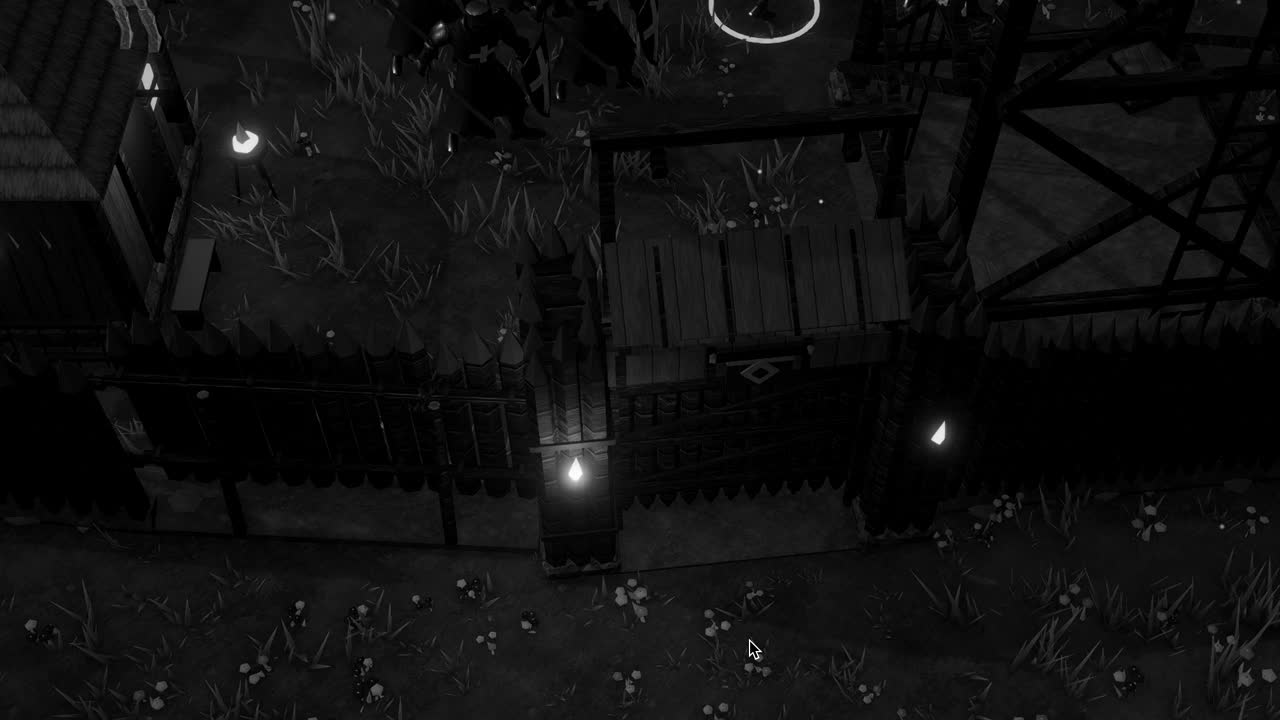
Most first attempts at a game world conceal an extravagance that nobody notices until the frame rate begins to sink. The artist models a watchtower with care, giving it bevelled stones, a carved lintel and a roof of individually shaped shingles, and the engine faithfully draws every one of those triangles whether the tower stands beside the camera or sits as a grey speck on the far horizon. At that distance the whole structure may cover a few dozen pixels, and thousands of triangles are being transformed, clipped and rasterised to colour them, most of them collapsing into fragments smaller than a single pixel.
Level of detail, usually shortened to LOD, is the old and rather sensible answer to that waste. Instead of one mesh, an object carries several versions of itself at decreasing complexity, and the renderer chooses among them according to how large the object appears on screen. Near the camera the full model is drawn; farther away a simpler one takes its place; at the extreme the object may vanish altogether, because a thing that occupies almost no screen space contributes almost nothing to the picture.
The idea is simple enough to state in a sentence, yet doing it well asks for judgement about thresholds, about how the swap is hidden, and about what to do when even the cheapest mesh is still too expensive for a forest of a thousand trees. What follows walks through the mechanism as Unity implements it, and through the small deceptions that make it convincing.
The waste of invisible triangles
To see why detail should follow screen size, consider what the GPU does with a triangle. Each vertex passes through the vertex shader, which transforms it into clip space; the triangle is then clipped, projected and rasterised into fragments, and each covered pixel runs the fragment shader. When a triangle is large on screen, that per vertex cost is spread across many pixels of useful colour. When it is tiny, the vertex work remains the same while the visible result shrinks toward nothing, and the ratio of effort to reward becomes absurd.
There is a second, less obvious penalty. Modern GPUs shade pixels in small blocks, commonly two by two quads, so that they can compute derivatives for texture filtering. A triangle that covers a single pixel still forces the whole quad to be shaded, with the extra lanes computed and then thrown away. Dense meshes seen from far away therefore waste fragment work as well as vertex work, and they can be slower to draw than a simpler mesh that covers exactly the same pixels.
Seen this way, the right amount of geometry is not a property of the model at all but of the model in relation to the camera. A carved lintel matters when the player walks under it and is meaningless from across a valley. Level of detail formalises that relation: it lets the artist spend triangles where the eye can actually resolve them and refuse to spend them where it cannot, which is the whole economy of real time graphics in miniature.
The LOD Group component
In Unity the mechanism lives in the LOD Group component, added to a parent GameObject whose children hold the different versions of the mesh. The Inspector shows a horizontal bar divided into coloured bands labelled LOD 0, LOD 1, LOD 2 and so on, with a final band marked Culled. Each band is assigned one or more Renderers, and the boundaries between bands can be dragged to change when the transitions occur. If imported model files follow the naming convention of suffixes such as _LOD0 and _LOD1, Unity can build the group automatically on import.
LOD 0 is by convention the full quality mesh, the one intended for close inspection. LOD 1 might keep the silhouette but drop the bevels and small protrusions, perhaps carrying half the triangles; LOD 2 might reduce the tower to little more than a textured box with a roof. These ratios are choices rather than rules, and a good reduction preserves the outline and the large shapes, because those are what survive at distance, while letting fine surface detail migrate into normal maps or disappear.
The Culled band deserves particular respect. Once an object's apparent size falls below its threshold, no renderer in the group is drawn at all, which removes not only its triangles but its draw call and any shadow casting work associated with it. For small props such as barrels, fence posts and scattered stones, early culling is often the single most effective saving in a large scene, since nobody misses a bucket that would have occupied two pixels.
LOD Group can also be driven from script. LODGroup.SetLODs accepts an array of LOD structs, each with a screen relative transition height and a list of renderers, and LODGroup.ForceLOD pins the group to a particular level, which is useful for debugging or for cinematic shots where a transition would be noticed. The Scene view can display the active LOD level for every group, a quick way to discover that a supposedly distant object is drawn at full detail.
Screen relative height and its thresholds
Unity does not choose LOD levels by distance, although distance is what changes. It uses screen relative height: the size of the object's bounds projected onto the screen, divided by the height of the view. An object filling the whole vertical extent of the screen has a value of one; one that fills a tenth of it has 0.1. The transition boundaries in the LOD Group are expressed in exactly these terms, so a boundary at 25 percent means the switch happens when the object shrinks below a quarter of the screen height.
The projected size can be estimated with a little trigonometry. For a perspective camera with vertical field of view theta, the visible height at distance d is 2d multiplied by tan(theta/2). A tower ten metres tall, viewed with a sixty degree field of view, gives tan(30 degrees) of roughly 0.577, so at fifty metres the view spans about 57.7 metres and the tower fills about 17 percent of it. At a hundred metres the figure halves to roughly 8.7 percent, and a boundary set at 10 percent would already have switched it.
Expressing thresholds this way has a pleasant consequence: they remain correct when the field of view changes. If the player zooms through a spyglass and the field of view narrows, distant objects grow on screen and automatically return to higher detail, which a distance based system would get wrong. The same property makes the settings resolution independent in the proportional sense, though a very high resolution display may still justify keeping detail longer, since more pixels can resolve more geometry.
A global multiplier sits above all of this. The LOD Bias value in the Quality settings scales every group's effective thresholds, so a bias above one keeps higher detail for longer and a bias below one switches earlier. It is the natural knob for a graphics quality menu, letting a low end machine trade fidelity for frame rate without the artist touching each prefab, and QualitySettings.lodBias exposes it to code.
Popping and the art of the cross-fade
The weakness of discrete levels is the moment of change. When LOD 0 gives way to LOD 1, the silhouette shifts in a single frame, and the human eye, which evolved to notice sudden movement at the edge of vision, catches it with distressing reliability. This is popping, and it is the most common complaint about LOD systems. The usual first remedy is to make the reduced mesh resemble the original closely at the switching distance, so the change falls below what the screen can show.
When resemblance is not enough, the transition can be blended. The LOD Group's Fade Mode offers a Cross Fade option, in which both levels are drawn for a short interval and one dissolves into the other. Because sorting two overlapping opaque meshes as transparent would be costly and unreliable, the blend is usually achieved by dithering: each level discards a complementary, shifting pattern of pixels, so that together they appear to fade while both remain opaque and keep writing depth.
Cross-fading is not free, and it depends on the shader. During the transition two meshes are rendered instead of one, and the shader must honour the fade factor Unity supplies, typically through the LOD_FADE_CROSSFADE keyword and the unity_LODFade value. The built in shaders of the Universal Render Pipeline support this, but a custom shader that ignores the keyword will simply pop. The Animate Cross-fading option makes the blend run over time rather than across a band of distance.
Impostors for the far distance
Even the crudest mesh becomes expensive when multiplied. A forest of several thousand trees, each reduced to a few hundred triangles, still adds up to a burden, and at great distance the depth of each tree is barely perceptible anyway. The classic solution is the impostor: a flat quad, or a small cluster of quads, carrying a prerendered image of the object, turned to face the camera. Unity's Billboard Renderer and the billboards that SpeedTree trees generate are both forms of this trick.
A naive billboard looks wrong as soon as the viewer moves around it, because it always shows the same face. More careful impostors capture the object from many angles into an atlas and select or blend between views according to the camera direction, and some also bake normals and depth so that lighting responds plausibly to the sun. The result can hold up surprisingly well at the distances where it is used, which is precisely the point: nobody walks close to an impostor.
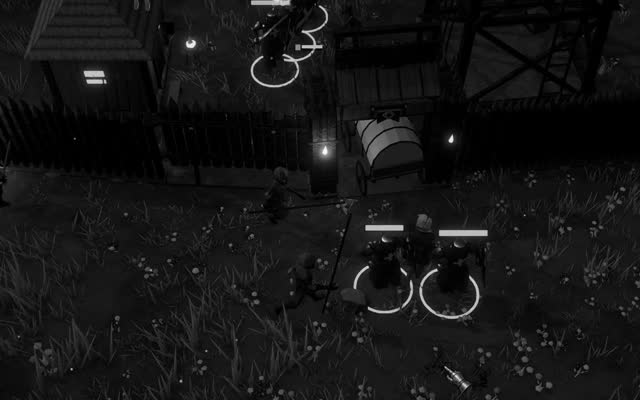
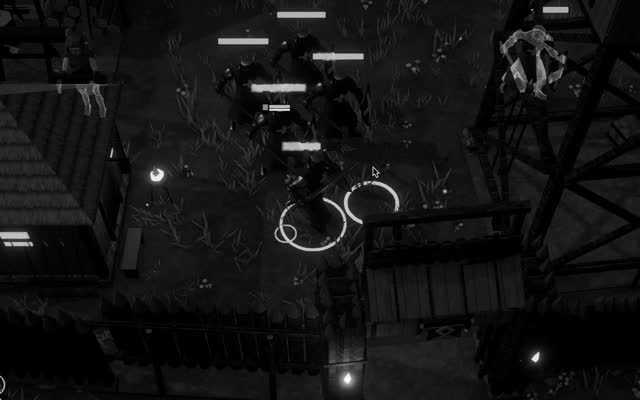
In an LOD Group the impostor simply becomes the last level before Culled. The tree is a full mesh near the player, a simplified mesh in the middle distance, a camera facing card beyond that, and nothing at all at the horizon. In a game like Crown & Ashes, where a settlement sits on the edge of a dark wooded country, that last pair of levels is what lets the treeline stretch into the night without the forest consuming the frame budget meant for torchlight and the dead.
Choosing levels with judgement
Automatic simplification tools can generate reduced meshes in seconds, and for many props they are entirely adequate. They work by collapsing edges according to an error metric, removing the vertices whose loss changes the shape least. Their blind spot is meaning: an algorithm cannot know that the spout of a well or the point of a spear is what makes the object legible, and it may happily erase the feature that a human would have kept to the last. Hand checking the reduced levels of important assets repays the time.
The thresholds themselves should be tuned in context rather than in isolation. An object seen against the sky reveals its silhouette with brutal clarity, while the same object among clutter can drop detail much earlier without anyone noticing. Shadows complicate matters, because a crude shadow caster can betray a reduction that the visible mesh hides, stretching a blocky outline across the ground; the Frame Debugger shows which mesh is actually being drawn in each pass, shadows included.
Finally, level of detail is only one tool among several and should be measured, not assumed. On a scene limited by draw calls, adding LOD levels may help little unless culling also removes objects, and on a scene limited by fill rate the triangle count may hardly matter. The Profiler and the Rendering Statistics window reveal which kind of cost dominates. Used where the cost is truly geometric, though, LOD remains one of the most dependable economies a developer can make, spending the eye's attention where it actually rests.