Baked Light and Lightmaps: Painting Light in Advance
Baking trades flexibility for richness: by computing the slow, beautiful behaviour of bouncing light once, before the game ships, a scene can wear soft global illumination that no frame budget could afford to calculate live.
Light in the real world does not stop where it first lands. Sunlight entering a window strikes the floor, and the floor, having absorbed some colours and returned others, throws a faint warm glow onto the ceiling, which in turn brightens the far corner of the room a little more. This patient, endless ricochet is why a room with one window is not pitch black outside the patch of sun, and why a red carpet faintly reddens the white wall beside it.
Computing that ricochet properly is expensive. Each point on each surface receives light from every other visible point, and those points receive light from every other in turn; physically accurate solutions involve tracing enormous numbers of paths. Film renderers can spend minutes or hours on a single frame. A game must produce a frame in a few milliseconds, and so for decades it has relied on a simple and rather beautiful compromise: compute the expensive part once, ahead of time, and store the answer.
That stored answer is baked lighting, and its principal container is the lightmap. To understand how it works in Unity, one needs the modes a light can be given, the nature of the lightmap itself, the bounce that makes it worth the trouble, the tools that perform the baking, and the two kinds of probe that extend baked light to things which move and things which shine.
Three Kinds of Light
Every Light component in Unity carries a Mode setting with three choices. A Realtime light is evaluated anew every frame: it can move, change colour and flicker, and it lights moving and static objects alike, but its direct contribution is all the engine computes by default, so the soft bounce of its light is missing unless some realtime global illumination system supplies it. Its shadows, if enabled, are also rendered live, at a cost that grows with every object they touch.
A Baked light is the opposite. Its entire effect, direct light, shadows and bounce, is computed during the bake and written into lightmaps and light probes, after which the light itself contributes nothing at runtime and costs nothing. It cannot move or change, and it cannot cast sharp shadows from objects that move, because those objects were not where they are now when the bake was made. For a sun over a fixed village, or lamps fixed to a stone wall, that limitation may be entirely acceptable.
A Mixed light tries to have both. Its indirect contribution is baked, while its direct contribution is computed live, and the exact division depends on the scene's Lighting Mode: Baked Indirect bakes only the bounce, Shadowmask also stores the shadows static objects cast in a separate texture, and Subtractive bakes nearly everything and approximates the rest cheaply. The choice is a negotiation between visual quality, memory and the platform's performance, and many projects settle it only after testing on target hardware.
Light Stored as Texture
A lightmap is an ordinary texture whose texels record the light that reached a surface rather than the surface's colour. At runtime the shader samples the lightmap and multiplies it with the albedo, so a wall whose colour comes from one texture receives its brightness from another. The two maps are independent, which is why a single brick texture can tile across a whole street while the lightmap, unique to each wall, records that one corner lies in shadow and another faces the evening sun.
Because each texel of a lightmap belongs to exactly one place in the world, objects need a second set of UV coordinates that never overlap, usually stored in the second UV channel and often generated by the model importer's Generate Lightmap UVs option. The density of lightmap texels is set in the Lighting window as a number of texels per unit. At a resolution of 10, a floor twenty meters on a side receives 200 by 200 texels, which is 40,000 texels for that one surface. A small stool beside it might need only a few dozen.
The arithmetic explains why lightmaps are a memory concern. Doubling the resolution quadruples the texel count, since it doubles both dimensions, and a large level can easily demand many megabytes of lightmap textures. Teams therefore lower the resolution on surfaces the player rarely sees closely, using the Scale In Lightmap value on each renderer, and raise it where crisp contact shadows matter, such as where a cart wheel meets the ground or a ladder leans against a wall.
The Gift of Bounce Light
The real prize of baking is global illumination, the name for lighting that includes light reflected from other surfaces rather than only light arriving straight from a source. Direct light alone produces a harsh world: anything not facing a lamp sinks into flat darkness, filled only by a uniform ambient colour that looks the same in a cellar and in a meadow. Bounce light gives shadows their colour and depth, letting a dark corner be dark in a particular, believable way.
The bake simulates this by tracing paths. Rays leave each lightmap texel, strike other surfaces, gather the light those surfaces receive, and return it, and the process repeats for a chosen number of bounces. Albedo plays its part: a surface with a saturated colour tints the light it returns, so the green of a lawn tinges the underside of nearby eaves. Each additional bounce brightens dim regions a little more, with diminishing returns, since every reflection loses some of its energy to absorption.
The results can be astonishing in their subtlety. A narrow alley lit only from above grows gradually darker toward the ground; the inside of a doorway glows faintly with the colour of the street beyond; a wooden interior lit by one lantern fills with a warm, low murmur of light rather than a single hard pool. None of this costs anything at runtime beyond sampling a texture, which is why baked global illumination remains attractive even on hardware capable of far more.
Bakers and Static Objects
Unity's main tool for producing lightmaps is the Progressive Lightmapper, a path tracer that refines its result gradually and can show an early, noisy preview in the Scene view while it works. It comes in a CPU version and a GPU version, the latter usually much faster on a capable graphics card. Settings such as the number of samples, the number of bounces and a denoising filter determine how long the bake takes and how clean the final lightmaps look.
The baker considers only objects that have declared themselves fixed. In the static flags of a GameObject, the option called Contribute GI marks it as part of the baked world, and its renderer's Receive Global Illumination setting chooses whether it takes its own lighting from lightmaps or from light probes. Small, detailed objects often fare better with probes, since giving them lightmap space would cost memory and introduce visible seams on shapes too intricate to unwrap cleanly.
Baking takes time, sometimes a great deal of it, and the result must be rebaked whenever static geometry or baked lights change. On a large project this shapes the workflow itself: lighting artists bake at low quality while iterating and save the slow, clean bakes for milestones, and level designers learn that moving a wall the day before a review means waiting for the light to catch up. The precomputed world is beautiful partly because it is so stubbornly fixed.
Probes for the Moving and the Shiny
Baked lightmaps solve the problem only for surfaces that never move. A character walking through a beautifully baked hall would look flat and wrong if lit only by realtime lights, glowing where the walls are shadowed and dull where they shine. Light probes bridge this gap. A designer places a Light Probe Group, a lattice of points through the walkable spaces, and the bake records at each point how much light arrives from every direction, compactly encoded as spherical harmonics.
At runtime Unity finds the probes surrounding a moving object, which it organises into tetrahedra, and interpolates between them to estimate the light at the object's position. The estimate is soft and approximate, but it carries the colour and direction of the baked light, so a villager stepping out of a sunlit square into the shade of an archway darkens and cools convincingly. Probes need to be placed where lighting changes, densely near transitions and sparsely in open, evenly lit areas.
Reflection probes handle a different need. A shiny surface reflects its environment, and without information about that environment it can only reflect the sky. A reflection probe captures a cubemap, six square images of the surroundings from one point, either baked in the editor or updated in realtime at a higher cost, and nearby materials sample it for their reflections. Box projection can warp the cubemap to fit a room, making reflections on a polished floor line up better with the walls.
Choosing What to Precompute
The art of lighting a scene in Unity is largely the art of deciding what may be fixed. Anything that never moves and is lit by lights that never change is a candidate for baking, and every such decision buys image quality and frame time at the cost of memory, bake time and flexibility. Anything that must change, a door that opens, a light that can be extinguished, a day that turns to night, pulls the design back toward realtime solutions.
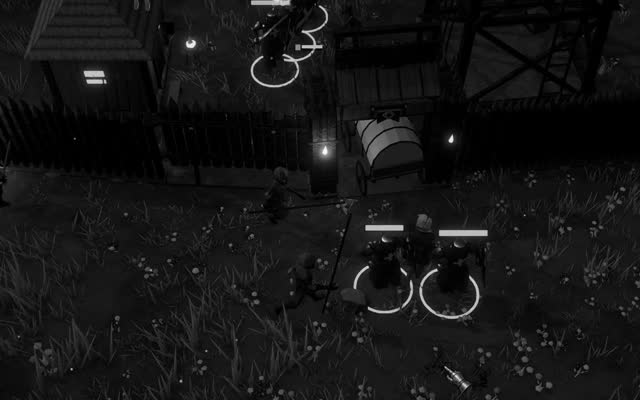
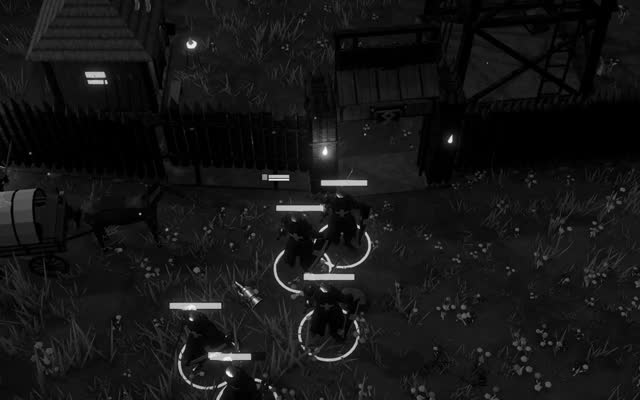
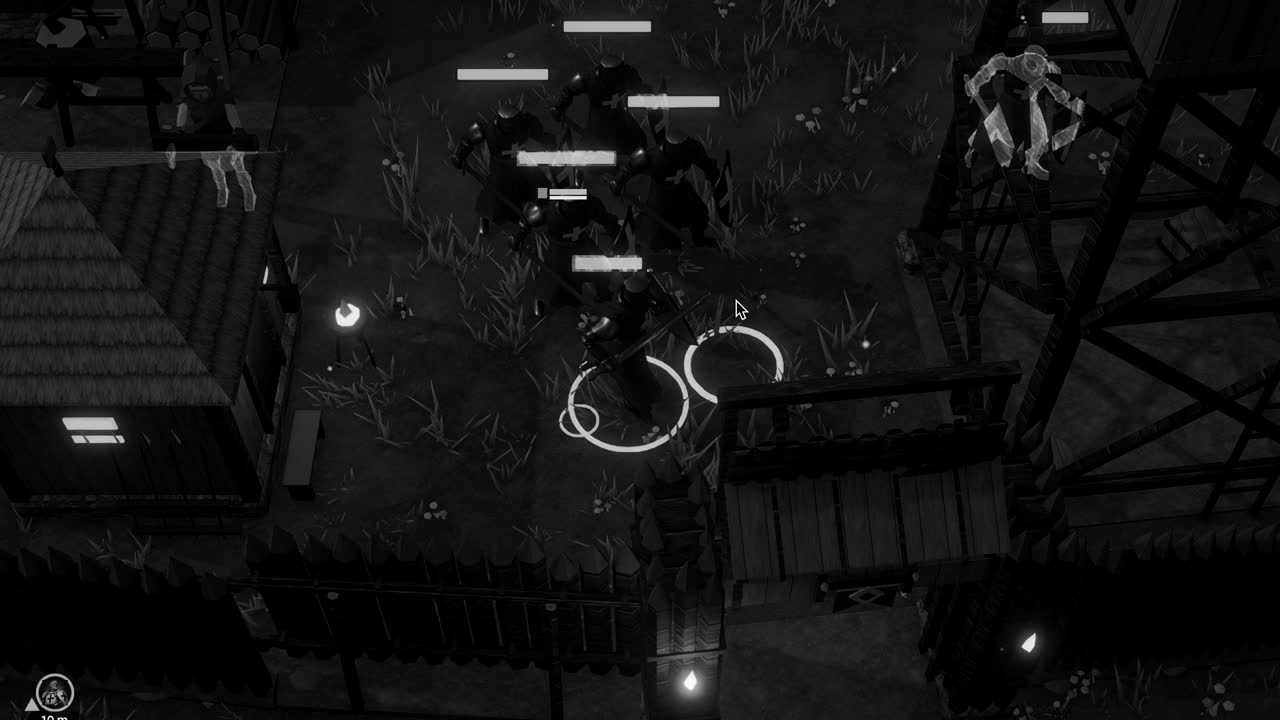
That tension is sharpest in games where time itself passes on screen. A world whose sun travels across the sky cannot bake a single sun, and must either bake several states and blend them, accept realtime direct light over baked or approximate ambient, or rely on a realtime global illumination technique. A game such as Crown & Ashes, built around the turn from day to night, sits squarely inside this dilemma, as does any project where the darkness is meant to arrive gradually.
Whatever the mix, the underlying idea is worth admiring. Long before a player sets foot in a level, a machine has traced a great many rays through it, patiently following light around corners and into recesses, and has written down what it found. When the player finally walks there, the softness in the shadows is a memory of that labour, replayed in a texture lookup that takes a fraction of a millisecond.