Shaders: Small Programs That Paint Every Pixel
A shader is a short program the GPU runs millions of times a frame, once per vertex and once per pixel, and understanding that brutal repetition explains both its power and every rule that constrains it.
Every image a game draws is assembled from triangles, and every triangle, before it reaches the screen, passes through small programs that decide where its corners land and what colour each covered pixel receives. These programs are called shaders. The name is a historical leftover from a time when their only job was shading, that is, computing how bright a surface should be, but today they compute almost everything visible: positions, colours, reflections, the ripple of water, the flicker of a fire.
What makes a shader strange to a programmer raised on ordinary code is not its syntax, which looks much like C, but its situation. A function in a gameplay script runs when it is called, perhaps a few times a frame. A shader runs for every vertex of every mesh and for every pixel that every triangle covers, which at a modest resolution means millions of invocations, sixty or more times each second. The code is small because it must be; its repetition is enormous.
This article walks through the two stages that matter most, the hardware that executes them, the languages and tools Unity provides, the relationship between a shader and a material, and finally the quiet problem of variants, which turns a single shader file into hundreds or thousands of compiled programs and is responsible for many of the long waits developers endure when building a project.
Two Stages of a Triangle
The first program a triangle meets is the vertex shader. It runs once for each vertex and receives that vertex's data from the mesh: its position in object space, its normal, its UV coordinates, perhaps a colour. Its essential duty is to transform the position through the model, view and projection matrices into clip space, the coordinate system the GPU uses to decide what lies on screen. In Unity's URP shader library this transformation is a single call, TransformObjectToHClip.
Between the two programmable stages sits the rasterizer, a fixed piece of hardware that takes the three transformed corners of each triangle, works out which pixels on the screen it covers, and interpolates the outputs of the vertex shader across its surface. If one corner of a triangle carries a UV of 0 and the opposite edge carries 1, a pixel halfway across receives roughly 0.5, with corrections for perspective so that textures do not swim as the camera moves. The programmer cannot rewrite this stage, only feed it and consume what it produces.
The second program is the fragment shader, sometimes called the pixel shader, which runs for every covered pixel with those interpolated values as input. It samples textures, evaluates lighting, combines everything, and returns a colour. A fragment is not quite a pixel, since several overlapping triangles may each produce a fragment for the same screen position, and the depth test decides which survives; but for most purposes the two words can be used together without harm.
Thousands of Hands at Once
A central processor has a handful of powerful cores, each designed to race through a complicated sequence of instructions with clever prediction of what comes next. A graphics processor has a very large number of simpler units, organised so that groups of them execute the same instruction at the same moment on different data. This arrangement suits shaders perfectly, because the work of shading one pixel is nearly independent of the work of shading its neighbour, and the same program applies to all of them.
The arrangement also explains several rules that otherwise seem arbitrary. A shader cannot easily read the result its neighbour is computing, because that neighbour may be running at the same instant on another unit. Branching is permitted but can be costly: when some pixels in a group take one side of an if statement and others take the other, the hardware may run both paths and discard the unwanted results, so a branch that rarely diverges is cheap and a branch that constantly diverges can be expensive.
It also explains why shaders reward arithmetic and punish memory traffic. Multiplying a few numbers is nearly free on a GPU, while fetching a texture means waiting for data to arrive from memory, which the hardware hides by switching between many waiting groups of pixels. A shader that samples a dozen large textures for every pixel may be limited not by its mathematics at all but by bandwidth, and that is a cost one only notices on a profiler such as Unity's Frame Debugger or a GPU capture tool.
HLSL, ShaderLab and the Graph
Unity shaders are written in HLSL, the High Level Shading Language originally developed by Microsoft for Direct3D, and Unity cross-compiles that code to the languages required by other platforms, such as Metal on Apple devices or the SPIR-V format used by Vulkan. The HLSL is wrapped in ShaderLab, Unity's own declarative format, which describes the outer structure: the properties the shader exposes, the passes it contains, and render states such as blending, culling and depth writing.
Older built-in pipeline shaders often enclose their code in CGPROGRAM blocks, a name inherited from Nvidia's Cg language, which Unity supported for years; the code inside is nonetheless compiled as HLSL. Shaders written for the Universal and High Definition pipelines use HLSLPROGRAM blocks and include the pipeline's own shader libraries, which provide functions for transforming positions, sampling shadows and evaluating lights in a way consistent with that pipeline's renderer.
Shader Graph offers another door into the same room. It is a node editor in which an author connects boxes, a texture sample here, a multiply there, a time node feeding a sine wave, and Unity generates the shader code from the graph. It supports URP and HDRP, and the built-in pipeline in recent versions. For many effects, dissolving walls, scrolling lava, a glow that pulses with a parameter, a graph is faster to build and easier to share with artists than hand written HLSL.
Materials as Shaders With Settings
A shader by itself is a recipe without quantities. It declares in its Properties block what inputs it accepts, perhaps a base colour, a texture, a smoothness value, and it reads those inputs from variables that stay constant for every vertex and pixel of a single draw call. Graphics programmers call such inputs uniforms. A material in Unity is the object that holds one shader together with a particular set of values for those properties, saved as an asset.
This separation is why one shader can produce a hundred different surfaces. The URP Lit shader, given a grey stone texture and low smoothness, becomes a wall; given a dark texture, metallic set to 1 and high smoothness, it becomes polished iron. From a script, the values are changed with calls such as Material.SetColor and Material.SetFloat, or for many objects at once with Shader.SetGlobalFloat, which writes a value that every shader declaring that global name can read.
One trap lies in wait here. Accessing Renderer.material from a script silently creates a private copy of the material for that renderer, so that changes affect only that object; this is convenient but allocates a new material, and objects with different materials can no longer be batched together. Renderer.sharedMaterial modifies the asset itself, affecting every object that uses it. A MaterialPropertyBlock offers a third path, overriding values per renderer without duplicating the material at all.
Variants and the Cost of Choice
Shaders often need to behave differently depending on circumstances: with or without a normal map, with or without fog, receiving shadows from one light or from several. Branching at runtime on every pixel would be wasteful, so Unity uses keywords instead. A shader declares keywords with directives such as #pragma multi_compile or #pragma shader_feature, and Unity compiles a separate version of the program, called a shader variant, for each combination that might be needed.
The combinations multiply, and quickly. A shader with ten independent on or off keywords has two raised to the tenth power, that is 1024, possible variants, and each additional keyword doubles the number again. Real pipeline shaders declare many keyword sets, some for lighting features and some for platform options, and the total can reach many thousands. Each variant must be compiled, sometimes for several graphics APIs, which is why a first build or a first visit to a new scene can stall for minutes.
The two directives differ in a way that matters for builds. Variants declared with multi_compile are always included, since Unity assumes any combination might be enabled at runtime; variants declared with shader_feature are included only if some material in the build actually uses that keyword. Choosing the second wherever possible, stripping unneeded variants in the graphics settings, and prewarming the remaining ones with a ShaderVariantCollection so that they do not compile in the middle of play are the main defences against both long builds and visible hitches.
Reading a Frame as Programs
Once the model is clear, a rendered frame looks different. Each object on screen is a draw call; each draw call runs a vertex program over a mesh and a fragment program over the pixels it covers; each program reads the values its material supplies and the textures it binds. Every visual idea, however atmospheric, must be expressed in those terms: what data enters, what arithmetic transforms it, what colour leaves, and how many times per frame the whole sequence runs.
That last question is the one that separates a beautiful effect from a usable one. A fragment shader that costs a little extra per pixel is harmless on a small prop and ruinous on a full screen fog layer, because the second runs over every pixel of the display. Developers learn to ask, before writing a single line, how much of the screen an effect will cover, how many objects will use it, and whether any part of its work could move from the fragment stage into the cheaper vertex stage.
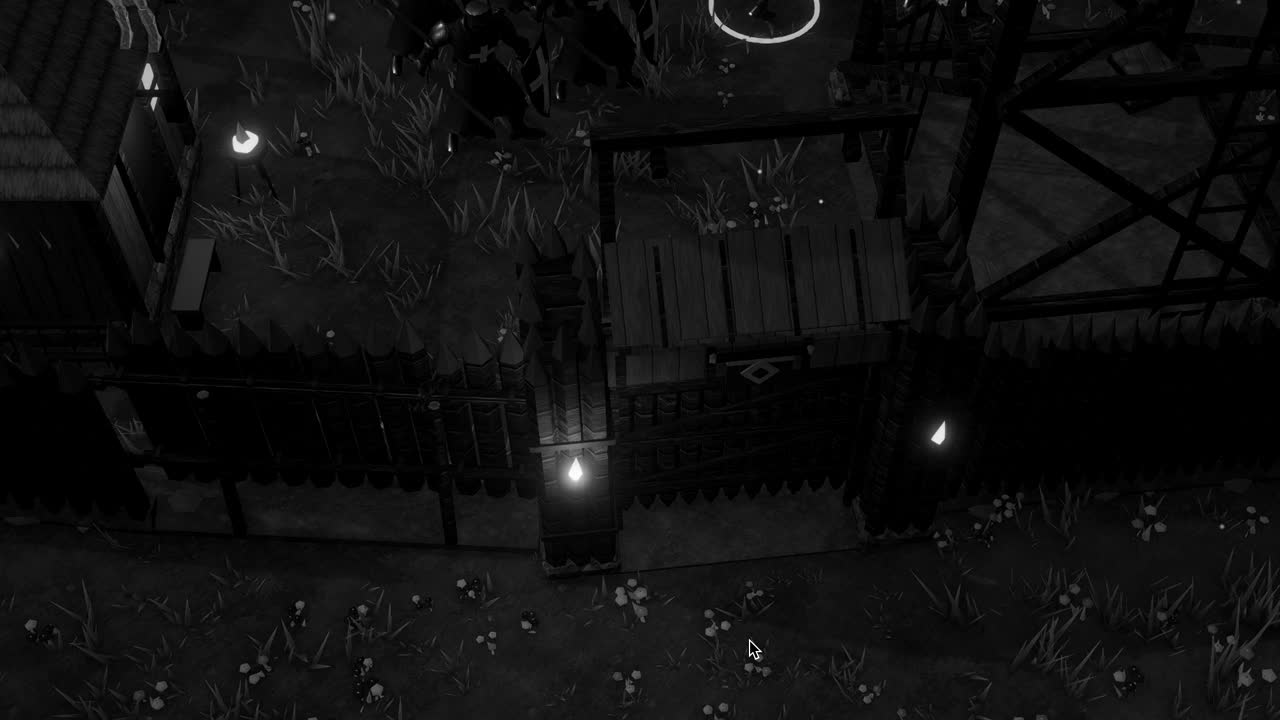
Consider the faint flicker of firelight across a wall at night, the sort of thing a settlement under siege in Crown & Ashes might want around its torches. It can be written as a few lines of shader code: a time value fed into a noise function, a colour multiplied by the result, a falloff based on distance. Nothing about it is magical. It is arithmetic, repeated with absolute obedience for every pixel the wall occupies, and that obedient repetition is the whole nature of the shader.