Tunnelling and Continuous Collision Detection
A physics engine sees the world in snapshots, and anything fast enough to cross an obstacle between two snapshots simply passes through it. Continuous collision detection is the family of techniques that fills the gaps, at a price.
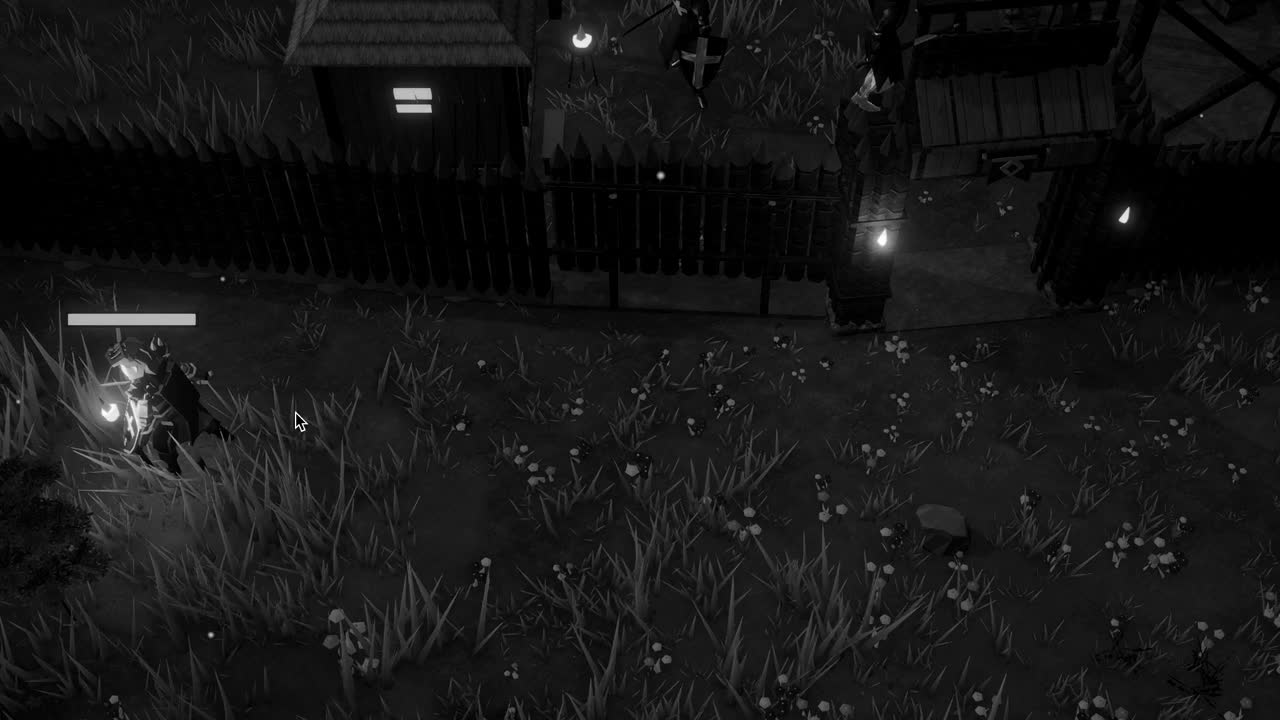
Sooner or later every developer of action games meets a certain bug, and it has a habit of arriving late in the evening, after all the obvious bugs have been fixed. An arrow is loosed at a wooden wall; the wall has a collider, the arrow has a collider and a Rigidbody, every setting looks correct; and the arrow flies straight through the planks as though they were mist and lands somewhere behind them. Slow the arrow down and it strikes perfectly. Speed it up again and the wall becomes a ghost.
The cause is not a broken collider or a mistyped layer. It lies in the nature of simulation itself, which does not experience time as a continuous flow but as a series of separate instants. Between those instants, nothing is checked, and an object that crosses an obstacle entirely within one gap leaves no evidence that it ever passed. This failure is called tunnelling, and the techniques invented to prevent it are gathered under the name continuous collision detection, usually shortened to CCD.
To understand the remedies, and to choose among them sensibly, it is worth working through the arithmetic of the problem, because tunnelling is not mysterious once the numbers are written down. It is a question of distance, speed and the length of a moment, and once those three quantities are set side by side for a particular object, the right remedy usually suggests itself without much argument.
Time in slices
Unity's physics does not run every rendered frame. It advances in steps of a fixed length called the fixed timestep, set by Time.fixedDeltaTime and configurable under the Time section of the project settings. By default this interval is 0.02 seconds, which means fifty physics steps per second of simulated time, regardless of whether the game is rendering at thirty frames per second or at two hundred. FixedUpdate runs once per step, and that is where forces should be applied to Rigidbodies.
At each step the engine moves every dynamic body according to its velocity, then asks which colliders overlap, then resolves those overlaps by computing contact forces. This is discrete collision detection, and its key assumption is hidden in the word overlap. The engine only notices a collision if, at the instant it looks, two shapes are actually intersecting. It does not ask whether they intersected at some moment between the previous look and this one, because between looks the simulation has, in a sense, no existence at all.
For most objects in most games this is entirely adequate. A crate tumbling off a cart, a villager walking along a road, a door swinging on its hinge: none of them moves far enough in two hundredths of a second to cross anything. The discrete approach is cheap, simple and stable, which is why it is the default mode for every Rigidbody. The trouble begins only with objects that are fast relative to the thickness of what they must strike, and that relationship can be stated precisely.
The arithmetic of a missed wall
Consider a small sphere of radius 0.05 metres, so a diameter of 0.1 metres, flying toward a plank wall 0.15 metres thick. The sphere overlaps the wall whenever its centre lies within a band whose depth is the wall's thickness plus the sphere's diameter: 0.15 plus 0.1, or 0.25 metres. If the sphere's centre advances by 0.25 metres or less per step, then some step must place its centre inside that band, and the collision will be caught. If it advances more, the sphere can leap from one side of the band to the other.
At the default fixed timestep of 0.02 seconds, the largest safe speed is therefore 0.25 divided by 0.02, which is 12.5 metres per second. An arrow from a hunting bow travels considerably faster; suppose it moves at 60 metres per second. In one step it covers 60 multiplied by 0.02, which is 1.2 metres, nearly five times the depth of the band. Whether it hits depends on luck: on where, relative to the wall, the previous step happened to leave it. Most of the time, it will simply appear on the other side.
A rifle bullet makes the point even more starkly. At 400 metres per second it moves 8 metres per step, so it can pass not only through a wall but through a whole room, its far wall and the corridor beyond, all between two consecutive looks. No setting on an ordinary thin collider will make such an object reliable under discrete detection. This is one reason many games do not simulate bullets as rigid bodies at all, and instead fire a raycast each step along the bullet's path, which by its nature has no gaps.
Sweeping the path
The first family of remedies is sweep based. Instead of looking only at where a body ends up, the engine sweeps its collider along the straight line from its old position to its new one and asks whether that swept volume touches anything. If it does, the engine computes the time of impact, the fraction of the step at which first contact occurs, and handles the collision there. In Unity this is selected through the Rigidbody's Collision Detection property, with two sweep based options: Continuous and Continuous Dynamic.
Continuous applies sweeping against static colliders, meaning colliders without a Rigidbody, such as walls, terrain and fixed buildings. Against other moving bodies it still behaves discretely. This is often exactly right: the arrow needs to strike the stationary palisade, and the cost of sweeping is paid only for that kind of meeting. Continuous Dynamic goes further, sweeping also against other Rigidbodies that are themselves set to Continuous or Continuous Dynamic, which matters when two fast objects may meet, or when a fast object must strike a moving one.
Sweeping has limitations worth knowing. It follows the linear motion of the body and does not account for rotation, so a long object spinning quickly, such as a thrown axe or a turning propeller blade, can still pass through a thin surface by sweeping its edge around rather than along. Sweeps also cost more than discrete checks, and the expense grows with the number of bodies using them. When the engine stops a body at the time of impact, the remaining motion for that step can be lost, so a fast object may appear to hesitate very briefly on contact.
Speculating ahead
The second approach, Continuous Speculative, works differently. Rather than sweeping, it enlarges the region in which the engine looks for potential contacts, based on the body's linear and angular velocity, and generates speculative contacts with anything inside that enlarged region. The solver then treats these contacts as constraints that must not be violated during the step, so the body is prevented from moving past them. Because the region accounts for angular motion, this method handles fast spinning objects that sweep based detection can miss.
Speculative detection is generally cheaper than sweeping and is the only continuous option available to kinematic Rigidbodies, which makes it valuable for moving platforms and animated doors that are driven by code rather than forces. It works against both static and dynamic colliders. Its costs are of a different kind: because it reasons about contacts that might occur, it sometimes produces ghost collisions, in which an object stops short of a surface or bounces off a corner it never actually reached, especially when sliding quickly along a surface with edges.
Speculative detection is not perfect insurance against tunnelling either. The contacts are gathered before the solver runs, and if the solver then gives a body more velocity than was anticipated, for instance through a violent push from another collision, the body can still move beyond the region that was examined. For most cases these are rare edges, but they mean that no single mode is universally correct, and the choice should follow the behavior of the specific object rather than a blanket rule applied to every body in a scene.
Shortening the slice
There is a blunt alternative to all of these modes: make the gaps smaller. Reducing the fixed timestep increases the number of physics steps per second, and every object moves a shorter distance per step. Returning to the arrow, the step needed for its 60 metres per second to stay within the 0.25 metre band is 0.25 divided by 60, about 0.0042 seconds, which corresponds to 240 steps per second. That is 4.8 times the default rate of fifty.
The cost, accordingly, is roughly 4.8 times as much physics work for every body in the scene, not merely for the arrow. Each step runs the broadphase, the narrow phase and the solver for the whole world, and FixedUpdate callbacks multiply in proportion. On a busy scene this can consume the frame budget outright, and if physics falls behind real time Unity will run several steps per frame to catch up, which makes frames slower still. Shortening the slice is sometimes the right answer, but it is rarely a cheap one.
A smaller timestep has real benefits beyond tunnelling, such as stiffer joints and more stable stacks, and some genres that depend on precise physics accept the cost gladly. For most games, though, the sensible arrangement is the default timestep for the world and continuous detection enabled selectively on the handful of objects that need it. A scene with five hundred bodies, of which a dozen are fast projectiles, gains much more from setting those dozen to Continuous than from multiplying the work of all five hundred.
Choosing per object
A practical rule of thumb starts with the arithmetic shown above. For each kind of fast object, estimate its top speed, multiply by the fixed timestep, and compare the result with the combined thickness of the object and the thinnest thing it must strike. If the distance per step is comfortably smaller, Discrete is enough. If it is larger, and the obstacles are static, Continuous is the natural first choice. If the object must strike other moving bodies reliably, Continuous Dynamic, with the other bodies set to a continuous mode as well.
Where rotation dominates, or the body is kinematic, Continuous Speculative is the candidate, accepting the occasional ghost contact. Where the object is effectively instantaneous, like a bullet, the better design is often to abandon rigid body simulation and use raycasts or sweeps such as Physics.SphereCast each step, moving the visible projectile along the cast path for show. Geometry can help too: thickening a wall's collider beyond its visible mesh costs nothing at runtime and widens the band every fast object must cross.
In a game like Crown & Ashes, where a palisade of thin stakes stands between a village and whatever walks out of the dark, the difference between an arrow that strikes the timber and one that passes through it is not academic, because players notice at once when the world fails to be solid. Tunnelling is ultimately a reminder that a simulation is a sequence of photographs, not a film, and that the programmer's task is to decide, object by object, where the space between the photographs must be inspected.