NavMesh and Pathfinding in Unity: Teaching Characters to Walk
A character that walks sensibly through a level is not reasoning about the world at all; it is following a simplified map of walkable ground that Unity bakes in advance, and most navigation bugs begin with misunderstanding that map.
Every game with characters in it reaches a strange and slightly comic moment, when a figure that has stood obediently in place is asked, for the first time, to go somewhere. Until then it was a statue with an animation loop; now it must cross a room, step around a table, find the door and not walk into the wall beside it. What seems to the player like the simplest thing a creature can do turns out, for the developer, to require a whole apparatus of geometry, search and steering.
Unity answers this problem with a system built around the navigation mesh, usually shortened to NavMesh. Instead of asking each character to examine the scene in all its detail, the engine prepares in advance a flattened, simplified description of where walking is possible, and then lets characters plan routes across that description. The approach is old, well understood and widely used across the industry, and it rewards anyone who takes the trouble to learn what is actually being computed.
This article walks through that apparatus from the ground up: how the walkable surface is baked from geometry, how a NavMeshAgent turns a destination into motion, why the size of the agent matters so much, how obstacles and carving change the map at runtime, and how off-mesh links stitch together places that no floor connects. Along the way it tries to explain not only what to click, but why the system behaves as it does when it misbehaves.
A map of walkable ground
A navigation mesh is a set of connected convex polygons laid over the floors, ramps and stairs of a level, describing where a character of a particular size can stand. It is deliberately much simpler than the world it describes. A staircase rendered with hundreds of triangles might be represented by a single sloping polygon, and a cluttered courtyard by a handful of shapes with holes cut where crates and wells stand. The character never consults the render meshes at all; it consults this abstraction, and its intelligence is bounded by its accuracy.
The mesh is produced by a process called baking. Unity gathers the relevant geometry, either the render meshes or the physics colliders depending on how the bake is configured, and converts it into a grid of small cubes called voxels. From the voxels it works out which cells form surfaces that are flat enough and have enough headroom above them, then shrinks those surfaces inward and traces their outlines into polygons. The result is stored as an asset and loaded with the scene, so none of this expensive work happens while the game runs.
Because baking works on voxels, its precision is a setting rather than a given. Smaller voxels follow the geometry more faithfully, preserving narrow gaps and fine edges, but they take longer to bake and produce a larger mesh. Larger voxels are faster and coarser, and may close a doorway that the eye can plainly see is open. When a corridor mysteriously fails to appear in the baked mesh, voxel size is one of the first suspects, along with the agent dimensions discussed below.
Modern versions of Unity do this work through the AI Navigation package, whose central component is NavMeshSurface. You add it to a GameObject, choose which agent type it bakes for and which objects it should collect, and press Bake. A scene can contain several surfaces, one for ordinary villagers and another for a large creature, and they can be baked at runtime as well as in the editor, which matters greatly for levels that are generated rather than built by hand.
The agent and its destination
The navigation mesh is only a map; the traveller is the NavMeshAgent component. Attach it to a character, and the character acquires a speed, an angular speed for turning, an acceleration and a stopping distance, along with the ability to plan and follow routes across the mesh. The agent moves the GameObject's transform itself by default, which is convenient for simple cases and becomes a point of friction later, when root motion animation or a physics body also wants a say in where the character stands.
The central call is SetDestination, which accepts a world position and asks the agent to find its way there. The planning that follows happens on the polygons, not on the open floor: the system searches the graph of connected polygons with an A star style algorithm to find a corridor of cells leading from start to goal, and then pulls a taut line through that corridor so the character cuts corners sensibly instead of zigzagging between polygon centres. The resulting sequence of corner points is what the agent actually steers toward.
This planning is not always instantaneous. For long or complicated routes the path may be computed over several frames, and the agent exposes pathPending so a script can tell whether the answer has arrived yet. A common mistake is to call SetDestination and immediately read remainingDistance, which may still describe the old route or report nothing useful. Checking pathPending first, and only then comparing remainingDistance with stoppingDistance, gives a reliable test for arrival.
When the destination itself lies off the mesh, inside a wall or on a rooftop no agent can reach, Unity does not simply give up. It finds the nearest reachable point and plans toward that, which can produce the baffling sight of a character marching confidently to the wrong place. NavMesh.SamplePosition lets a script snap a clicked or generated point onto the mesh before using it, and NavMeshAgent.CalculatePath, with a NavMeshPath object, lets it inspect whether a full route exists before committing to it.
Radius, height and the shape of a body
Every navigation mesh is baked for a particular agent type, and that type is defined chiefly by four numbers: radius, height, maximum step height and maximum slope. The radius is the most consequential. During baking, walkable areas are eroded inward by that amount, so that the mesh describes where the centre of the agent may stand rather than where any part of it may stand. A wall that the mesh keeps half a metre away from is not a cautious habit of the agent; it is the geometry of a body half a metre wide.
This erosion explains a great many puzzling results. A doorway eighty centimetres wide is perfectly passable for an agent of radius thirty centimetres, since sixty centimetres of body fits with room to spare, but it vanishes entirely from a mesh baked for radius fifty, because a metre of body cannot pass through eighty centimetres. The door is still there in the scene, still visible and still open; it simply does not exist on that agent's map, and no amount of scripting will persuade the agent to walk through it.
Height works in the same way for vertical clearance. Areas with a ceiling lower than the agent height are excluded, so a low tunnel can be walkable for a child and absent for a soldier. Step height decides which small ledges count as climbable, and maximum slope decides how steep a ramp may be before it becomes a wall. Getting these numbers roughly right for each kind of character is the single most effective thing a developer can do to make navigation behave.
Obstacles that move
A baked mesh describes the level as it was when the bake ran, but levels change. Carts roll into streets, doors close, and players place furniture where none stood before. The NavMeshObstacle component exists for these cases. In its simplest mode it acts as a shape that moving agents notice through local avoidance, steering around it as they would around another agent, without the underlying map changing at all. This is cheap and works well for objects that are constantly in motion.
The weakness of that mode is that the path itself still runs straight through the obstacle. An agent will approach, sidle, push and try again, because its plan insists the way is open. When an object comes to rest across a route, the better tool is carving, enabled with a checkbox on the obstacle. A carving obstacle cuts a hole in the navigation mesh at runtime, and agents replan around the hole as if the obstacle had been part of the level from the start.
Carving has a cost, since every change rebuilds a piece of the mesh, so Unity offers ways to limit it. The option to carve only when stationary makes the obstacle cut its hole only after it has stopped moving for a short time, while a movement threshold ignores small jitters. A sensible arrangement is to let a rolling barrel rely on avoidance while it moves and carve once it settles, which keeps the expensive work to the moments when it actually changes where agents can go.
Links across the gaps
Some places are connected in ways that no floor describes. A character can jump down from a wall, leap a narrow ditch, climb a ladder or step through a teleporting gate, yet the baked mesh shows these as separate islands with nothing between them. Off-mesh links fill this gap. In the AI Navigation package the component is called NavMeshLink; it joins two points or two edges on the mesh and tells the pathfinder that a route exists between them, with a cost that can be tuned like any other.
Unity can also generate certain links automatically during baking. Drop links are created where a ledge is low enough to step down from, and jump links where a gap is narrow enough to cross, according to distances set on the surface. These are convenient for broad strokes, but hand-placed links give more control, and they can be one-directional, which is exactly what a drop from a wall should be: easy to descend, impossible to climb back up.
By default an agent traverses a link by simply sliding along it at its normal speed, which looks wrong for anything except a short step. Turning off autoTraverseOffMeshLink hands control to the script: when isOnOffMeshLink becomes true, the code can play a jump animation, move the character along an arc, and call CompleteOffMeshLink when the landing is done. This small contract between the planner and the animator is where much of the character of movement is made.
When agents misbehave
Navigation problems are rarely mysterious once the mesh is visible. Unity draws the baked mesh in the Scene view in a translucent blue, and the first step in almost every investigation is to look at it closely. Missing patches, islands with no link to the rest, edges that stop short of a doorway: these are visible at a glance and nearly always explain why an agent refuses to go somewhere. The scene shows what is there; the blue overlay shows what the agent believes is there.
A second family of problems comes from fighting over the transform. When a NavMeshAgent moves a character and an Animator with root motion also moves it, or a non-kinematic Rigidbody responds to gravity and collisions, the results stutter and drift. The usual remedy is to choose one master. Setting updatePosition to false lets the agent plan and report its desired velocity while another system performs the actual movement, and the two can then be reconciled each frame without contradiction.
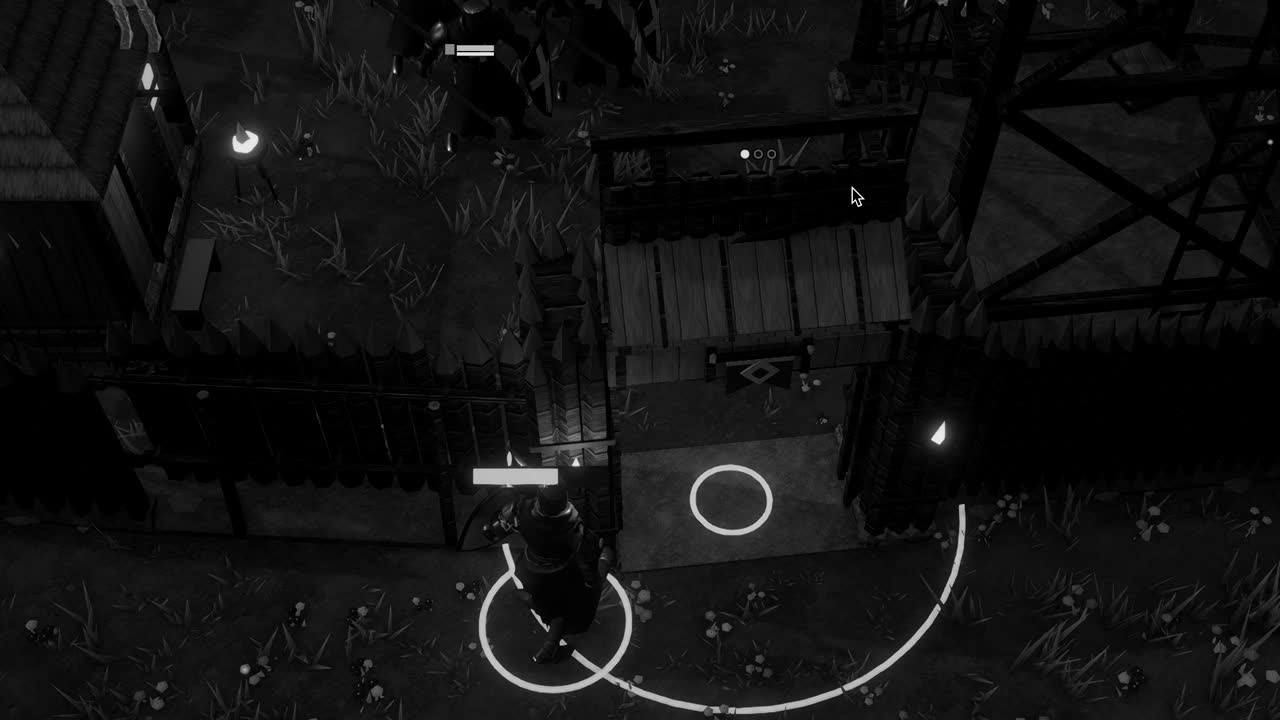
The last family concerns crowds. Local avoidance keeps agents from walking through each other, and avoidancePriority decides who yields when two meet in a corridor, but it cannot solve a doorway that thirty villagers want to pass at once. In a settlement game like Crown & Ashes, where everyone may hurry inside the palisade as night falls, such moments reveal that avoidance is a courtesy between individuals rather than a plan for a crowd. Staggering orders, widening chokepoints and giving agents different destinations near a goal are humble fixes, and they work.
What all of this teaches is a certain humility about the word intelligence. A walking character appears to understand its surroundings, yet it understands only a map that someone baked for a body of a certain size, a search over polygons and a few rules for steering. The craft lies in making that map honest, choosing dimensions that match the bodies that use it, and handling by hand the few places where the world and the map disagree. Characters that walk well are the visible reward for that patient preparation.