Game Feel: Why Some Games Feel Good to Touch
The pleasure of pressing a button in a good game is manufactured, frame by frame, out of low latency, honest animation and a chorus of small feedback effects that tell the hand its action mattered.
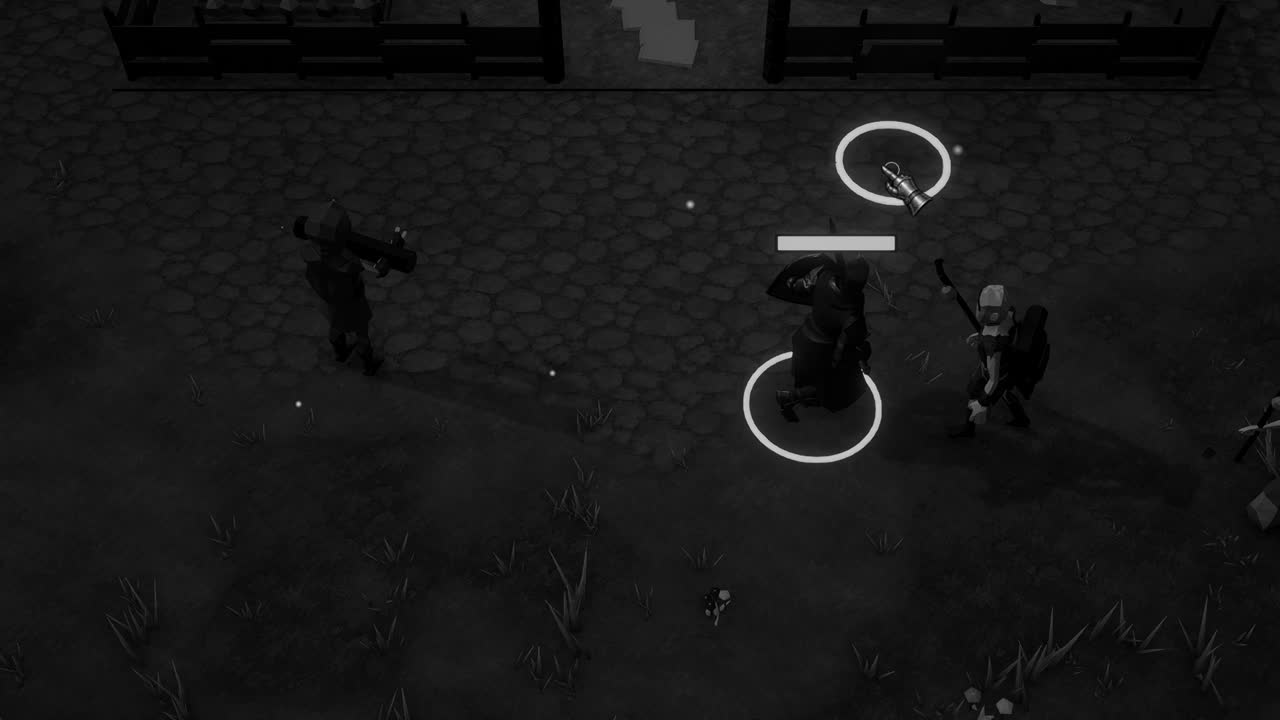
Pick up two platformers with nearly identical rules, a character who runs and jumps across a row of ledges, and one of them will feel alive in the hands while the other feels like a puppet operated through a thick wall of glass. The levels may be the same, the art comparably good. Yet within seconds, before any thought about design has formed, the body has already passed judgment, and it is remarkably difficult to argue it out of its verdict.
Designers call this quality game feel, and for a long time it was spoken of as a kind of mysticism, a gift some teams had and others lacked. Steve Swink's book Game Feel: A Game Designer's Guide to Virtual Sensation, published in 2008, did much to dispel that fog. Swink treated feel as something that could be examined: the real time control of a virtual object in a simulated space, with its interactions emphasized by polish.
That definition is useful because it breaks the vague sensation into parts we can actually work on. There is the control itself, how quickly and faithfully the game answers the hand. There is the simulation, the rules of motion that give the object weight. And there is the polish, the cascade of visual and audible effects that later came to be called juice. Each can be built well or badly, and each can betray the others.
The tyranny of the delay
Everything begins with responsiveness, because no amount of decoration can rescue a control that answers late. Input latency is the time between a finger pressing a button and the first change on the screen, and it accumulates from many small sources: the polling rate of the controller, the frame on which the game reads the input, the frames spent simulating and rendering, the buffering of the display driver, and the processing inside the television itself.
The arithmetic is unforgiving. At sixty frames per second each frame lasts about 16.7 milliseconds, so a pipeline that holds an input for three frames before showing anything has already spent fifty milliseconds, and a slow display can add as much again. Players rarely name the delay. They simply report that the character feels heavy, or floaty, or unfair, and they are describing the gap between intention and consequence without knowing its cause.
In Unity, a common source of needless delay is reading input in the wrong place. Discrete actions such as a jump press belong in Update, where every rendered frame sees them; reading them in FixedUpdate risks missing a press entirely on frames where the physics step does not run, or acting on it a step late. The usual pattern is to record the press in Update, then consume it in the next FixedUpdate where the Rigidbody is moved.
Responsiveness also means forgiving the player's imperfect timing. Coyote time accepts a jump for a few frames after the character has walked off a ledge, because the player believes they pressed in time and the game agrees with them. An input buffer does the reverse, remembering a jump pressed just before landing and executing it on the first grounded frame. Neither trick is visible, yet together they make controls feel as though they read the mind.
Motion with weight
Once the game answers quickly, the motion it produces must persuade the eye that something with mass is moving. Here game developers borrowed heavily from traditional animation, and in particular from the principles that Disney animators Frank Thomas and Ollie Johnston set down in The Illusion of Life. Two of them matter most for feel: anticipation, the small wind up before an action, and follow through, the settling that comes after it.
Anticipation creates a genuine tension with responsiveness. A sword swing that begins with a long backswing reads beautifully but delays the moment of impact, and the player feels that delay as sluggishness. The common resolution is to keep anticipation very short for player actions, often only a frame or two, while letting enemies wind up generously, because a telegraphed enemy attack is information the player needs, whereas a telegraphed player attack is merely lag in costume.
The shape of motion over time is governed by easing. An object that moves at a constant speed from one point to another looks mechanical, because nothing in the physical world does that. Easing curves let a menu panel accelerate out and decelerate into place, or a jump rise quickly and hang briefly at its apex. In Unity an AnimationCurve exposed in the Inspector is a convenient way to let a designer draw these curves by hand rather than tuning numbers blindly.
The vocabulary of juice
The word juice entered common use largely through a 2012 talk titled Juice It or Lose It, given by Martin Jonasson and Petri Purho. They took a plain, almost lifeless Breakout clone and, step by step, added effects to it: blocks that tweened into place, a ball that squashed and stretched, particles, screen shake, sound effects, music. The rules never changed. By the end the game felt utterly transformed, and the demonstration made the point better than any argument could.
Screen shake is perhaps the most recognizable of these effects. A brief, decaying offset applied to the camera on an explosion or a heavy landing tells the player that the world itself has been disturbed. Good shake is short, falls off quickly, and is often driven by smooth noise rather than pure random jitter, which looks cheap. Cinemachine's impulse system offers a ready made version in Unity, but a few lines of code offsetting a camera transform work just as well.
Hit stop, sometimes called hit pause or freeze frames, is subtler and arguably more powerful. At the instant a blow connects, the game halts the attacker and the victim, or the whole simulation, for a handful of frames. Fighting games have used it for decades. The pause gives the eye time to register contact and makes the strike feel as if it met real resistance. In Unity it can be done by briefly setting Time.timeScale near zero and restoring it with a coroutine that waits in unscaled time.
Sound carries an astonishing share of the load, and it is the effect developers most often underestimate. The same impact with and without a crisp, layered sound feels like two different games. Slight random variation in pitch and volume keeps repeated sounds from becoming mechanical, and a short low frequency thump under a hit gives it body. Many designers would say that a game with mediocre visuals and excellent audio feedback feels better than the reverse.
The camera and the hand
The camera is the player's eye, and how it follows a character shapes feel nearly as much as the character's own motion. A camera rigidly locked to the player transmits every tiny jitter of movement straight to the screen, while one that lags too far behind makes the world feel as though it is being dragged along on a rope. Most games settle on a damped follow, smoothing the camera toward its target with something like Vector3.SmoothDamp, so that starts and stops are softened.
Good cameras also look ahead. A side scrolling camera that shifts slightly in the direction of travel shows more of what the player is running toward and less of what lies behind, which feels like the game anticipating intention. Vertical framing often waits until the character lands before adjusting, so that a jump does not drag the horizon up and down with it. These choices are invisible when done well and quietly nauseating when done badly.
Beyond sight and sound lies touch itself. Controller vibration, used sparingly, adds a physical dimension to impacts, and modern gamepads with finer haptic motors can suggest textures and tension rather than a uniform buzz. Unity's Input System exposes basic rumble through Gamepad.SetMotorSpeeds, with low and high frequency motors set independently. A short sharp pulse on the high motor reads as a crisp click, while a slower swell on the low motor feels like distant thunder rolling through the hands.
Feel extends even into menus, where it is most often neglected. A button that scales slightly on hover, depresses on click and answers with a soft sound tells the player the interface is listening, while a menu that responds a frame late or ignores a rapid second press feels broken however handsome it looks. The first minute a player spends in a game is usually spent in its menus, and the impression of care, or carelessness, begins there.
When juice turns sour
There is a temptation, after discovering these tools, to pour them over everything, and the result is rarely good. A screen that shakes on every footstep, every pickup and every enemy death soon stops communicating anything, because emphasis that is everywhere is emphasis nowhere. Feedback is a language, and its words acquire meaning only by contrast. The largest effects must be reserved for the moments that genuinely deserve them, or the player learns to ignore the whole vocabulary.
Overdone juice also has a cost in clarity. Particles and flashes that obscure enemy attacks, or camera shake that makes precise aiming harder, actively damage the game in the name of making it feel exciting. There is a real human cost too: intense shake and flashing can cause discomfort or motion sickness for some players. Offering options to reduce or disable screen shake and flashes has become a widely respected courtesy, and it costs very little to build in from the start.
The useful test is whether an effect makes the game easier to read or harder. Hit stop that confirms a strike landed is information; a burst of sparks that hides the next attack is noise. Juice serves feel best when it reinforces what the simulation is already doing, telling the player more clearly that their action happened, how strongly, and to what. When it begins to replace the simulation, covering a dull mechanic with glitter, the player usually notices sooner than the developer does.
Tuning by hand
Feel cannot be specified on paper and handed to a programmer, because it lives in the interaction between numbers and nerves. The practical consequence is that every value which shapes motion, jump height, gravity, acceleration, friction, the length of hit stop, the amplitude of shake, should be exposed for tuning while the game is running. Serialized fields on a MonoBehaviour, or better a ScriptableObject holding a movement profile, let a designer adjust them in play mode and feel the change immediately.
A common discovery during this tuning is that realistic physics feels wrong. Real gravity makes a jump feel floaty, so many platformers apply stronger gravity on the way down than on the way up, giving a quick rise, a brief hang and a decisive fall. Variable jump height, where releasing the button early cuts upward velocity, gives the player fine control. None of this is realistic, and all of it feels more natural than reality would, which is the quiet paradox at the heart of the craft.
Finally, feel must be judged on the hardware and display the player will actually use, and by people other than its maker. A developer who has played the same jump ten thousand times no longer feels it at all. Watching a newcomer pick up the controller, noticing where they hesitate, overshoot or mistime, reveals more than any amount of solitary tinkering, because the whole point of feel is the first impression of a body that has not yet learned to forgive the game.